








Your cart
Your cart is empty

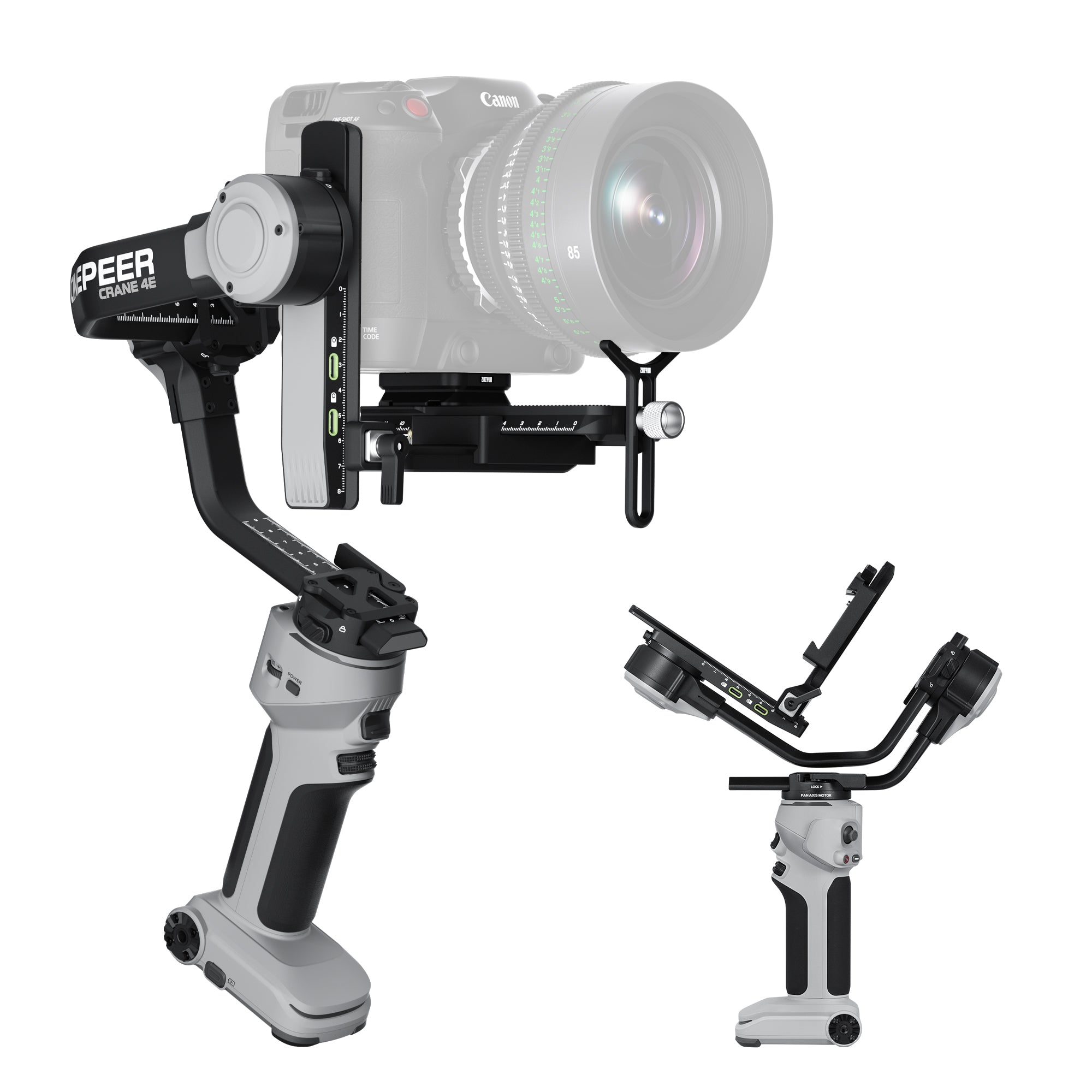
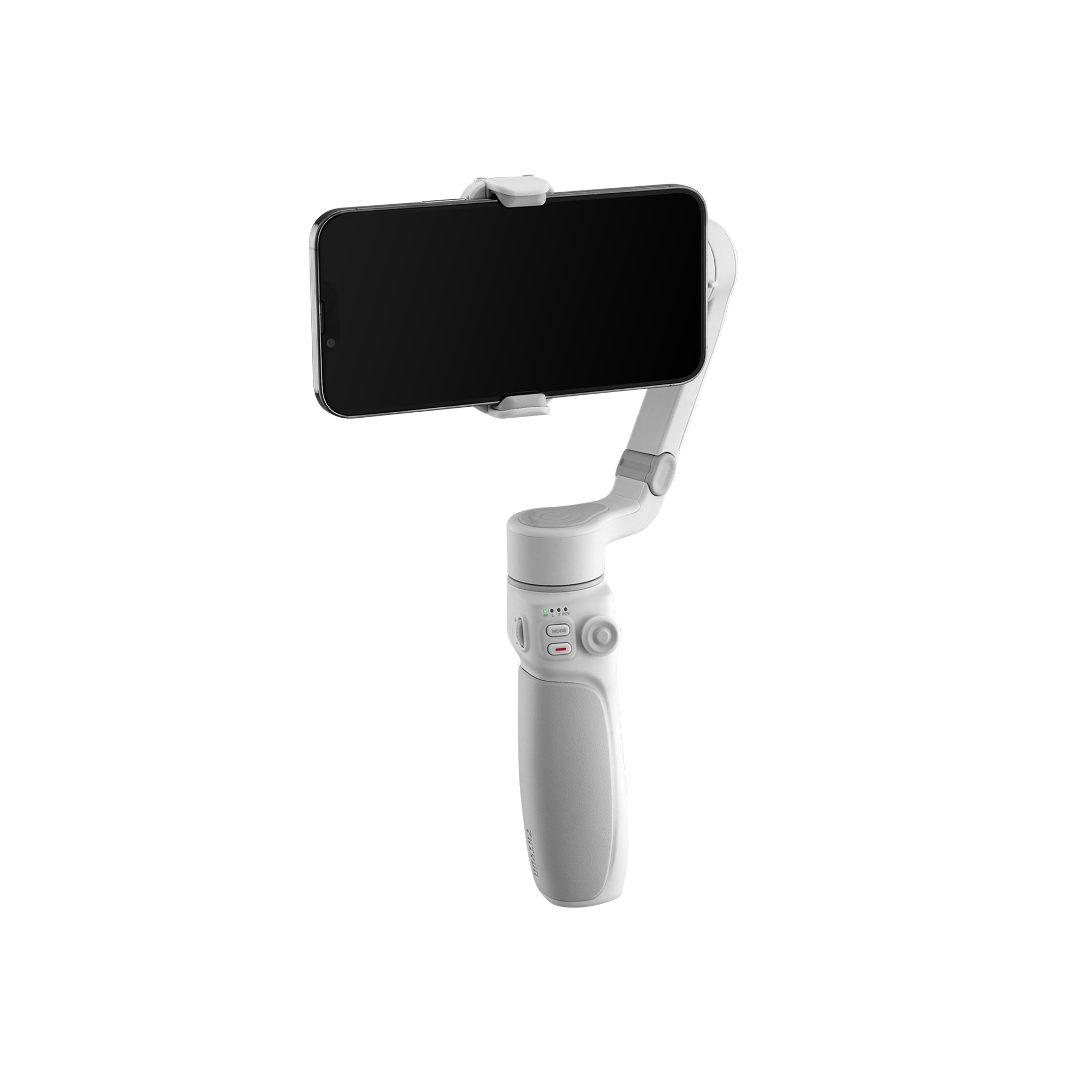
Find Your Perfect Gimbal Match

|
|

|
|
|||||||||||||||||||||||||||||||||||||||||||||||||||||||||||||||||||||||||||||||||||||||||||||||
|---|---|---|---|---|---|---|---|---|---|---|---|---|---|---|---|---|---|---|---|---|---|---|---|---|---|---|---|---|---|---|---|---|---|---|---|---|---|---|---|---|---|---|---|---|---|---|---|---|---|---|---|---|---|---|---|---|---|---|---|---|---|---|---|---|---|---|---|---|---|---|---|---|---|---|---|---|---|---|---|---|---|---|---|---|---|---|---|---|---|---|---|---|---|---|---|---|---|---|
| Dimensions & Payload | ||||||||||||||||||||||||||||||||||||||||||||||||||||||||||||||||||||||||||||||||||||||||||||||||||
|
Dimensions (mm) |
Dimensions (mm) |
Dimensions (mm) |
Dimensions (mm) |
|||||||||||||||||||||||||||||||||||||||||||||||||||||||||||||||||||||||||||||||||||||||||||||||

Max Carry Weight |

Max Carry Weight |

Max Carry Weight |
Max Carry Weight |
|||||||||||||||||||||||||||||||||||||||||||||||||||||||||||||||||||||||||||||||||||||||||||||||
|
Net Weight |
Net Weight |
Net Weight |
Net Weight |
|||||||||||||||||||||||||||||||||||||||||||||||||||||||||||||||||||||||||||||||||||||||||||||||
| Performance & Features | ||||||||||||||||||||||||||||||||||||||||||||||||||||||||||||||||||||||||||||||||||||||||||||||||||

Fill Light |

Fill Light |

Fill Light |
Fill Light |
|||||||||||||||||||||||||||||||||||||||||||||||||||||||||||||||||||||||||||||||||||||||||||||||

Horizontal / Vertical |

Horizontal / Vertical |
Horizontal / Vertical |
Horizontal / Vertical |
|||||||||||||||||||||||||||||||||||||||||||||||||||||||||||||||||||||||||||||||||||||||||||||||

Vortex Mode |

Vortex Mode |
Vortex Mode |
Vortex Mode |
|||||||||||||||||||||||||||||||||||||||||||||||||||||||||||||||||||||||||||||||||||||||||||||||
|
Runtime |
Runtime |
Runtime |
Runtime |
|||||||||||||||||||||||||||||||||||||||||||||||||||||||||||||||||||||||||||||||||||||||||||||||
|
Charging Time |
Charging Time |
Charging Time |
Charging Time |
|||||||||||||||||||||||||||||||||||||||||||||||||||||||||||||||||||||||||||||||||||||||||||||||

|

|

|
||||||||||||||||||||||||||||||||||||||||||||||||||||||||||||||||||||||||||||||||||||||||||||||||
|---|---|---|---|---|---|---|---|---|---|---|---|---|---|---|---|---|---|---|---|---|---|---|---|---|---|---|---|---|---|---|---|---|---|---|---|---|---|---|---|---|---|---|---|---|---|---|---|---|---|---|---|---|---|---|---|---|---|---|---|---|---|---|---|---|---|---|---|---|---|---|---|---|---|---|---|---|---|---|---|---|---|---|---|---|---|---|---|---|---|---|---|---|---|---|---|---|---|---|
| Dimensions & Payload | ||||||||||||||||||||||||||||||||||||||||||||||||||||||||||||||||||||||||||||||||||||||||||||||||||
|
Dimensions (mm) |
Dimensions (mm) |
Dimensions (mm) |
||||||||||||||||||||||||||||||||||||||||||||||||||||||||||||||||||||||||||||||||||||||||||||||||

Max Carry Weight |

Max Carry Weight |
Max Carry Weight |
||||||||||||||||||||||||||||||||||||||||||||||||||||||||||||||||||||||||||||||||||||||||||||||||
|
Net Weight |
Net Weight |
Net Weight |
||||||||||||||||||||||||||||||||||||||||||||||||||||||||||||||||||||||||||||||||||||||||||||||||
| Performance & Features | ||||||||||||||||||||||||||||||||||||||||||||||||||||||||||||||||||||||||||||||||||||||||||||||||||
|
Fill Light |
Fill Light |
Fill Light |
||||||||||||||||||||||||||||||||||||||||||||||||||||||||||||||||||||||||||||||||||||||||||||||||
|
Horizontal / Vertical |
Horizontal / Vertical |
Horizontal / Vertical |
||||||||||||||||||||||||||||||||||||||||||||||||||||||||||||||||||||||||||||||||||||||||||||||||
|
Vortex Mode |
Vortex Mode |
Vortex Mode |
||||||||||||||||||||||||||||||||||||||||||||||||||||||||||||||||||||||||||||||||||||||||||||||||
|
Runtime |
Runtime |
Runtime |
||||||||||||||||||||||||||||||||||||||||||||||||||||||||||||||||||||||||||||||||||||||||||||||||
|
Charging Time |
Charging Time |
Charging Time |
||||||||||||||||||||||||||||||||||||||||||||||||||||||||||||||||||||||||||||||||||||||||||||||||
All-in-One Kits


Crane 4 Combo


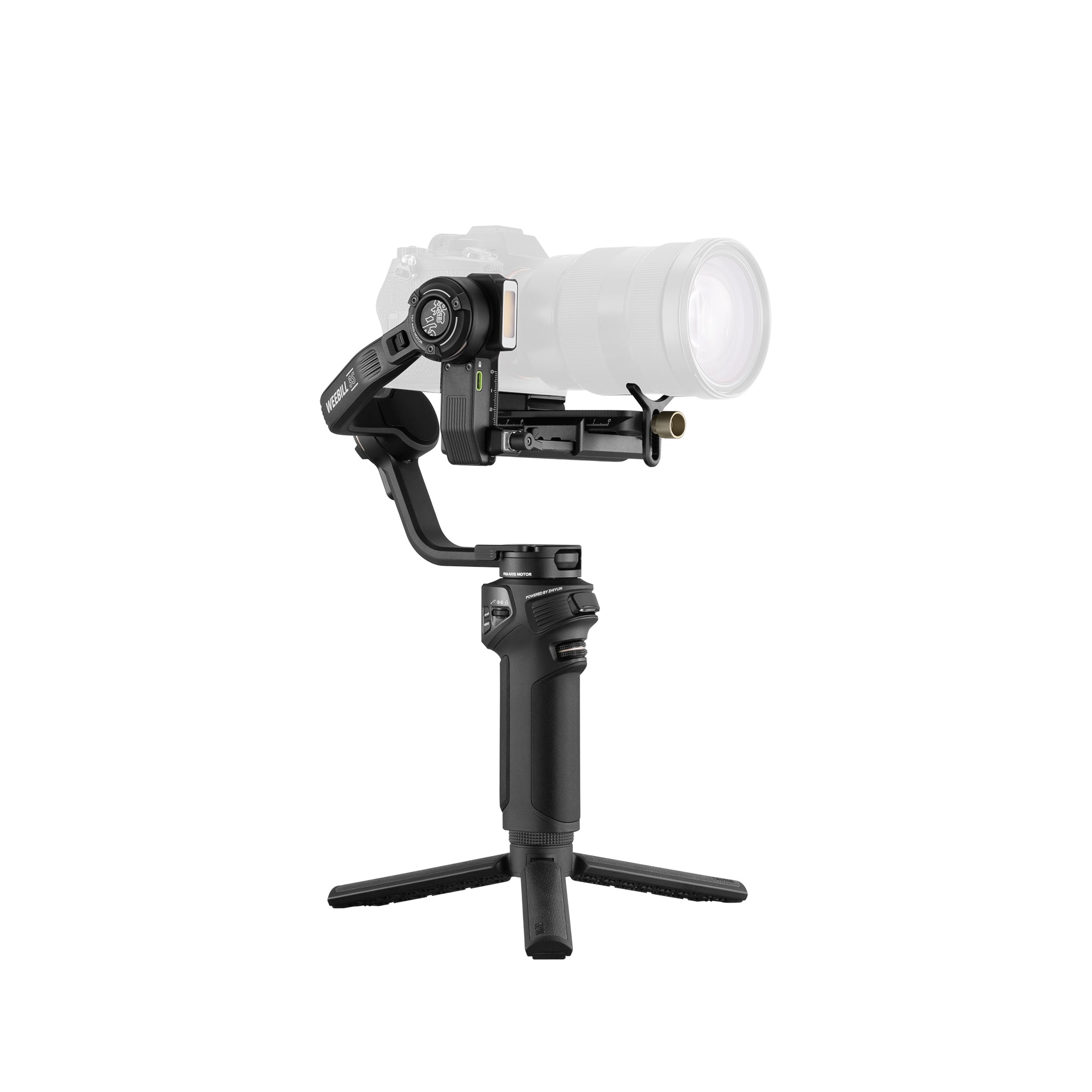
Weebill 3S Combo


Crane 4E
Why creators choose ZHIYUN for videography?


User Guide


FAQs
What does a handheld camera stabilizer do?
A handheld camera stabilizer uses motors on the pan, tilt, and roll axes to counter unwanted movement while preserving intentional camera motion. Unlike software stabilization, a motorized gimbal physically supports and repositions the camera as you move. These gimbals for cameras are particularly useful for walking shots, subject tracking, smooth pans, low-angle filming, and other dynamic video work.
Should I choose a WEEBILL or CRANE gimbal?
Choose a ZHIYUN WEEBILL if you use a compact mirrorless or lightweight DSLR setup and value portability, sling-mode handling, and run-and-gun filming. A CRANE gimbal is generally better for heavier cameras, larger lenses, and production accessories that require greater payload capacity and expandability. Always compare your complete camera setup rather than choosing by the camera body alone.
What is the difference between WEEBILL 5, WEEBILL 3S, and WEEBILL 3E?
The WEEBILL 5 is the most advanced option, combining built-in AI subject tracking, a telescoping sling handle, a touchscreen, and native vertical shooting. The WEEBILL 3S is suited to creators who want a built-in fill light and broader support for image-transmission and follow-focus accessories. The WEEBILL 3E provides the essential stabilization and vertical-shooting features in a simpler, more budget-friendly package.
How do I know if my camera and lens are compatible with a WEEBILL gimbal?
When selecting a handheld gimbal for a camera, check the weight and dimensions of the entire rig, including the lens, cage, filter, microphone, monitor, cables, and other mounted accessories. The setup must stay within the gimbal’s payload limit and leave enough clearance for all three axes to move freely. Recording, focus, and zoom control should be checked separately because electronic compatibility varies by camera and lens.
How much payload capacity does my handheld camera gimbal need?
Add the weight of every component that will remain mounted during filming, not just the camera body and lens. WEEBILL 5, WEEBILL 3S, and WEEBILL 3E support setups weighing up to 3 kg, but a rig below that limit may still be incompatible if a long lens or accessory prevents proper balancing. Choose a handheld gimbal stabilizer that can accommodate both the total weight and the physical dimensions of your setup.
Do I need to balance my camera before turning on a WEEBILL gimbal?
Yes. You should balance the camera before switching on the gimbal, adjusting the tilt, roll, and pan axes until the camera can remain close to its position without motor assistance. Proper balance reduces vibration, motor strain, battery consumption, and overheating. Rebalance the handheld gimbal whenever you change the lens, zoom position, or mounted accessories.
Can a WEEBILL gimbal switch between horizontal and vertical shooting?
Yes. Current WEEBILL 5, WEEBILL 3S, and WEEBILL 3E models support native switching between horizontal and vertical shooting without requiring a separate L-bracket. The mounting procedure differs slightly by model, so secure the quick-release system and check the balance again after changing orientation.
How does AI subject tracking work on the WEEBILL 5?
The WEEBILL 5 uses a built-in AI module to recognize and follow people, pets, vehicles, and selected objects. This AI tracking gimbal moves its axes to keep the chosen subject within the frame and can activate tracking through touchscreen framing, the trigger, or supported hand gestures. It is particularly useful for solo creators, interviews, product demonstrations, and scenes with moving subjects.
Can I control recording, focus, and zoom from a WEEBILL gimbal?
On supported cameras, a WEEBILL gimbal can start or stop recording and take photos through Bluetooth or a compatible camera-control cable. Focus and zoom control depend on the camera, lens, WEEBILL model, and whether a compatible servo motor or other accessory is installed. WEEBILL 3S offers broader support for professional expansion, while WEEBILL 3E is designed around a simpler stabilization and camera-control workflow.
Why does my WEEBILL gimbal vibrate, drift, or show a motor overload warning?
These problems are commonly caused by poor balance, excessive payload, locked axes, loose mounting, restricted axis movement, or unsuitable motor-strength settings. Follow these gimbal setup and troubleshooting tips: turn off the gimbal, unlock every axis, secure the complete rig, and rebalance it before restarting. If the problem continues, verify the motor settings, run calibration, check for firmware updates, and confirm that the camera setup is compatible.
- Choosing a selection results in a full page refresh.
- Opens in a new window.