










Your cart
Your cart is empty
After-sales Services
How can I contact technical support experts if my product is faulty?
If your product has any issues, please contact our after-sales technical experts promptly. You can obtain support by using either of the following methods:
1. Email: info@zhiyun-tech.com
2. Online support:
https://zhiyun-tech.udesk.cn/im_client/
Where can I find the tutorials for using ZHIYUN products?
The following two methods are available for obtaining product tutorials:
1. Official website:
https://www.zhiyun-tech.com/en/service/product2. Youtube Channel:
https://www.youtube.com/@zhiyuntutorials4410C
How can I upgrade my product firmware?
There are several ways to upgrade the firmware of ZHIYUN products:
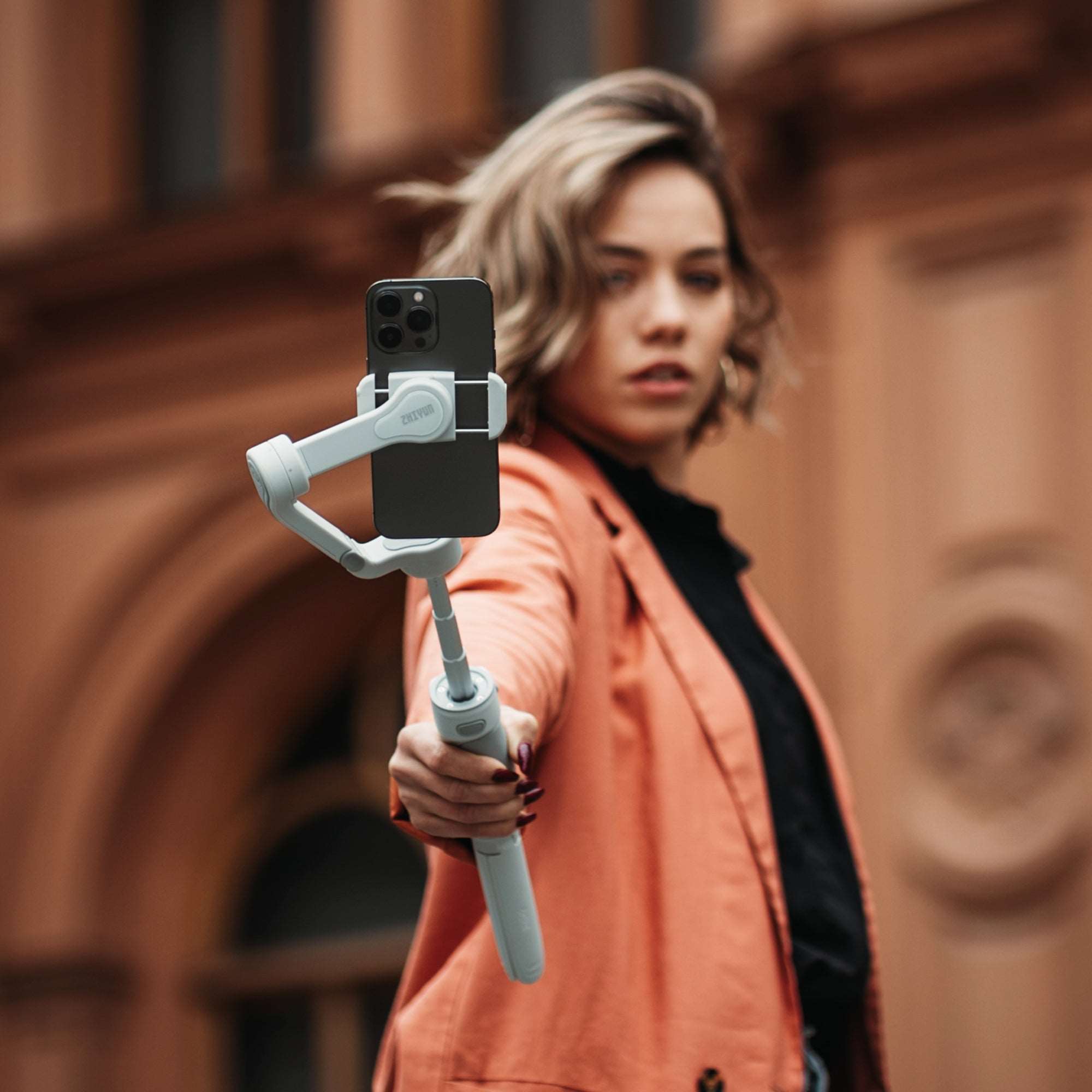
For smartphone gimbal models: You can connect your gimbal with the ZY Cami APP and it will remind you to upgrade if there is a new version. Click on the upgrade button and it will take around 2-3 minutes. During this process, please do not shut down the product.
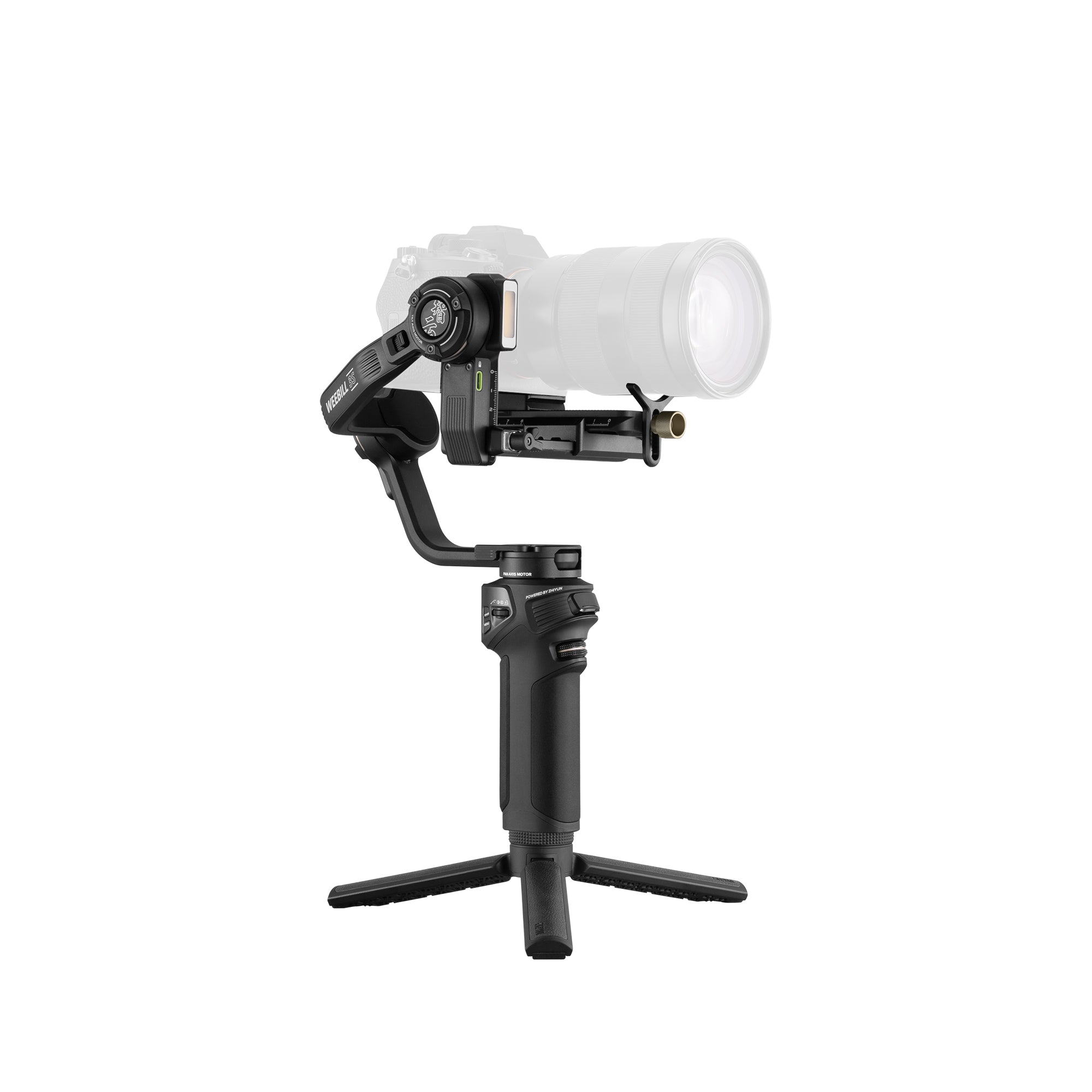
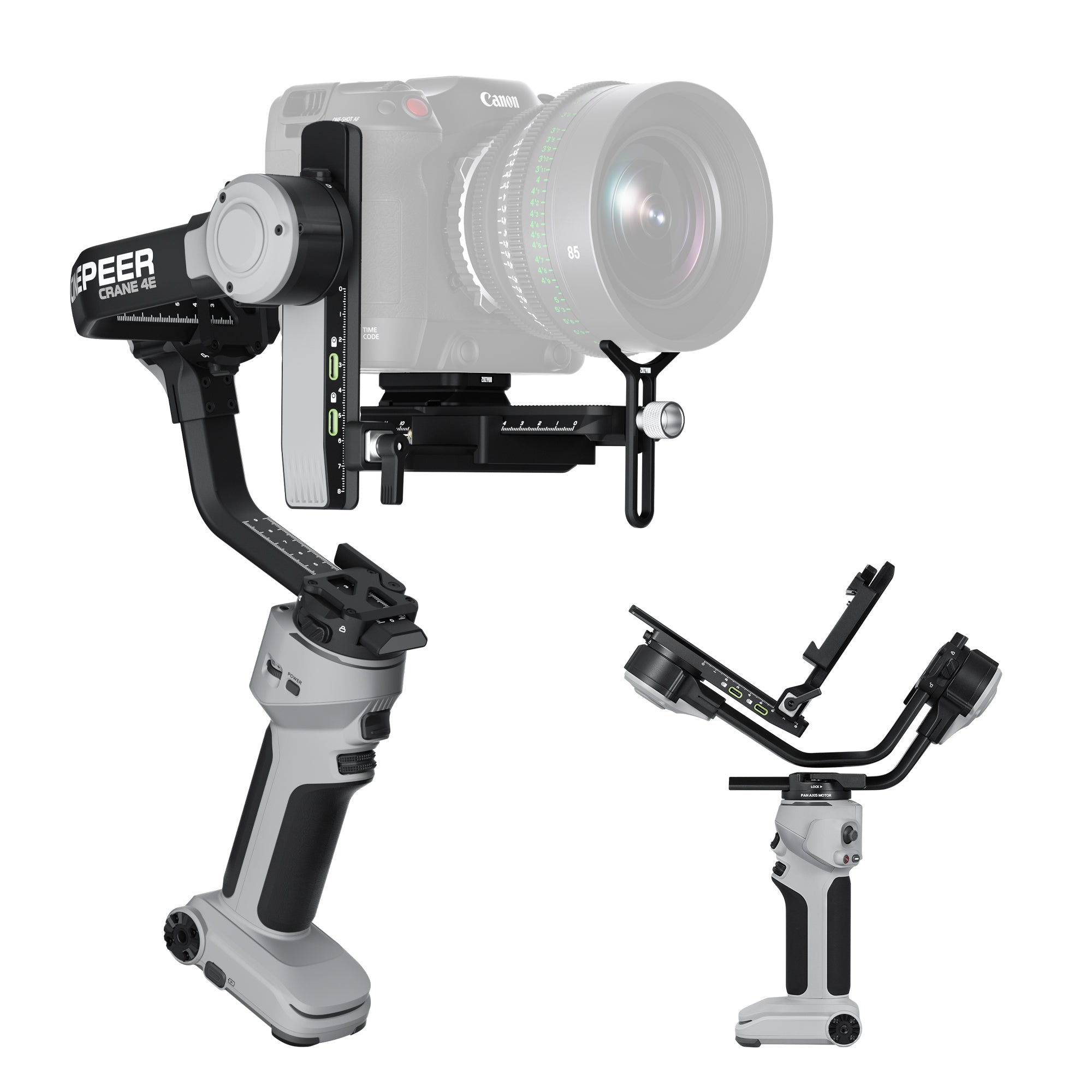
For camera gimbal models: You can connect your gimbal with the ZY Play APP and it will remind you to upgrade if there is a new version. Click on the upgrade button and it will take around 2-3 minutes. During this process, please do not shut down the product.
For upgrading on a computer: Choose your product and download the upgrade tool and the latest firmware version. Connect your device to the computer via a USB cable and select the firmware to update. Visit
https://www.zhiyun-tech.com/en/download/productfor more information.
For upgrading X100 and G60 firmware: Choose your product and download the upgrade tool and the latest firmware version. Connect your device to the computer via a USB cable and select the firmware to update. Visit
https://www.zhiyun-tech.com/en/download/productfor more information.
- Choosing a selection results in a full page refresh.
- Opens in a new window.