










5 Pro Tips for Tracking Fast Action and Live Stage Performances
Filming live stage performances is exciting, but it is also one of the most technically demanding shooting environments for videographers. A concert, theater show, dance performance, school production, fashion show, or live event can change in seconds. Performers move quickly, lighting shifts dramatically, and the audience energy can affect how every shot feels.
Unlike a controlled studio shoot, stage videography does not give you many second chances. If the lead singer runs across the stage, the dancer jumps into the spotlight, or the actor delivers an emotional line under low light, the camera needs to be ready. The challenge is to keep the footage sharp, stable, properly exposed, and emotionally connected to the performance.
For creators who want to capture more cinematic live event footage, the right preparation and equipment matter. A strong workflow from ZHIYUN can help videographers track fast motion, reduce handheld shake, and maintain smoother camera control during high-pressure stage shoots.
The Unique Challenges of Concert and Theater Cinematography
Stage cinematography is difficult because the camera operator has limited control over the environment. The lighting designer controls the light. The performers control the movement. The venue controls the shooting position. The audience controls part of the atmosphere. Your job is to adapt quickly while still creating footage that feels intentional.
Concerts are especially unpredictable. Performers may move from one side of the stage to another, step into the crowd, turn suddenly, or interact with other musicians. Lighting often changes with the rhythm of the music, which means exposure can jump between bright highlights and deep shadows. LED walls, lasers, haze, and colored spotlights can create a dramatic look, but they can also confuse autofocus and white balance.
Theater and dance performances are different but equally challenging. Movement may be more choreographed, but timing is critical. A dancer’s leap, a dramatic pause, or a group formation may last only a few seconds. If your camera movement is late, the shot loses impact. In theater, quiet emotional scenes also require controlled movement because any distracting shake can break the mood.
Before filming a live performance, study the structure of the show if possible. Watch rehearsal footage, review the running order, and understand where the most important moments happen. For concerts, identify solos, chorus sections, instrument breaks, and crowd interaction moments. For dance or theater, mark entrances, exits, spotlight positions, and dramatic peaks.
Your goal is not just to record what happens on stage. Your goal is to translate the live energy into a visual story. This means capturing wide shots for scale, medium shots for movement, close-ups for emotion, and audience reactions for atmosphere.
Eliminating Camera Shake When Tracking Fast-Moving Performers
Fast action makes camera shake much more visible. When a performer moves across the stage, the videographer may need to pan, walk, tilt, and adjust framing at the same time. If you shoot handheld without stabilization, small movements from your wrists and arms can become distracting in the final footage.
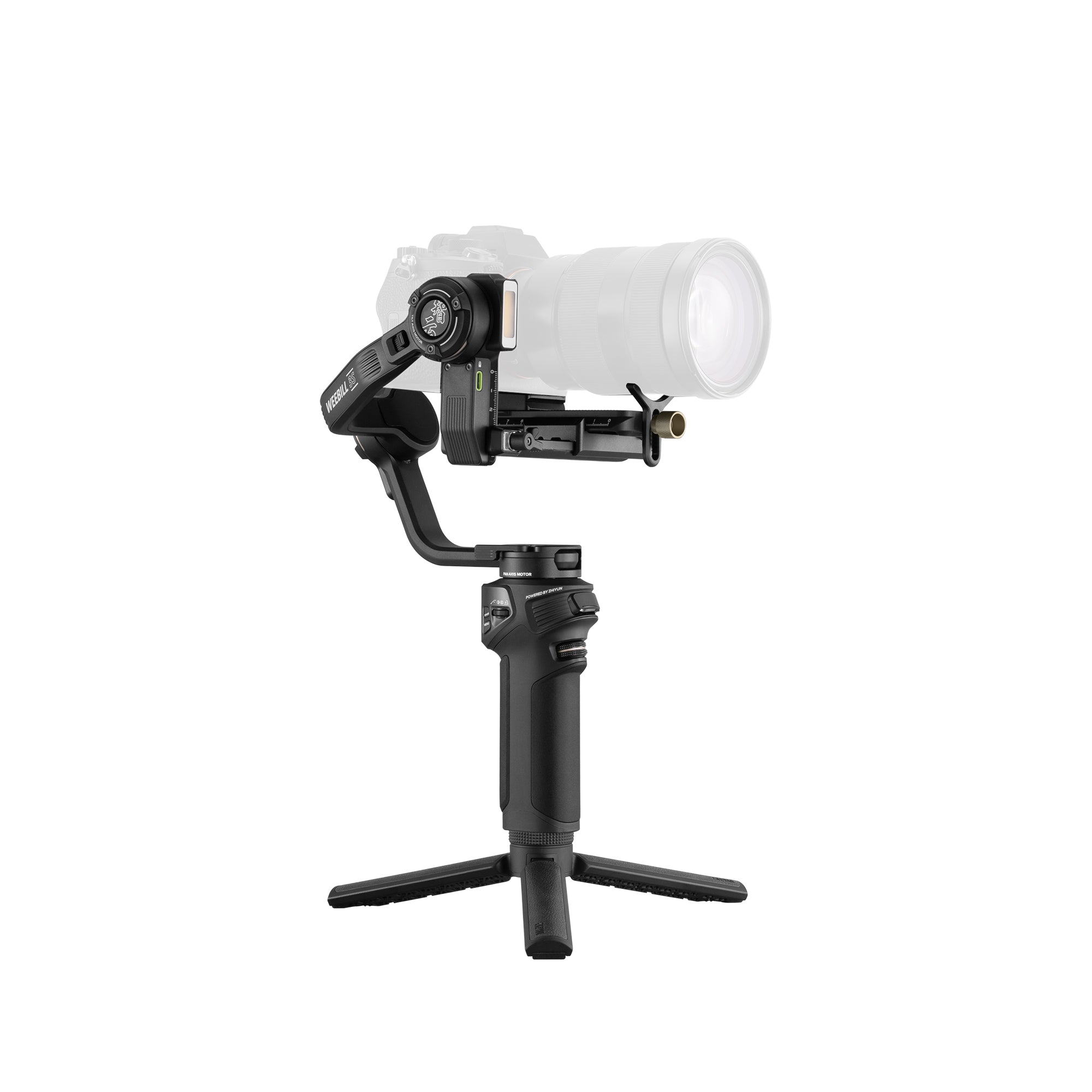
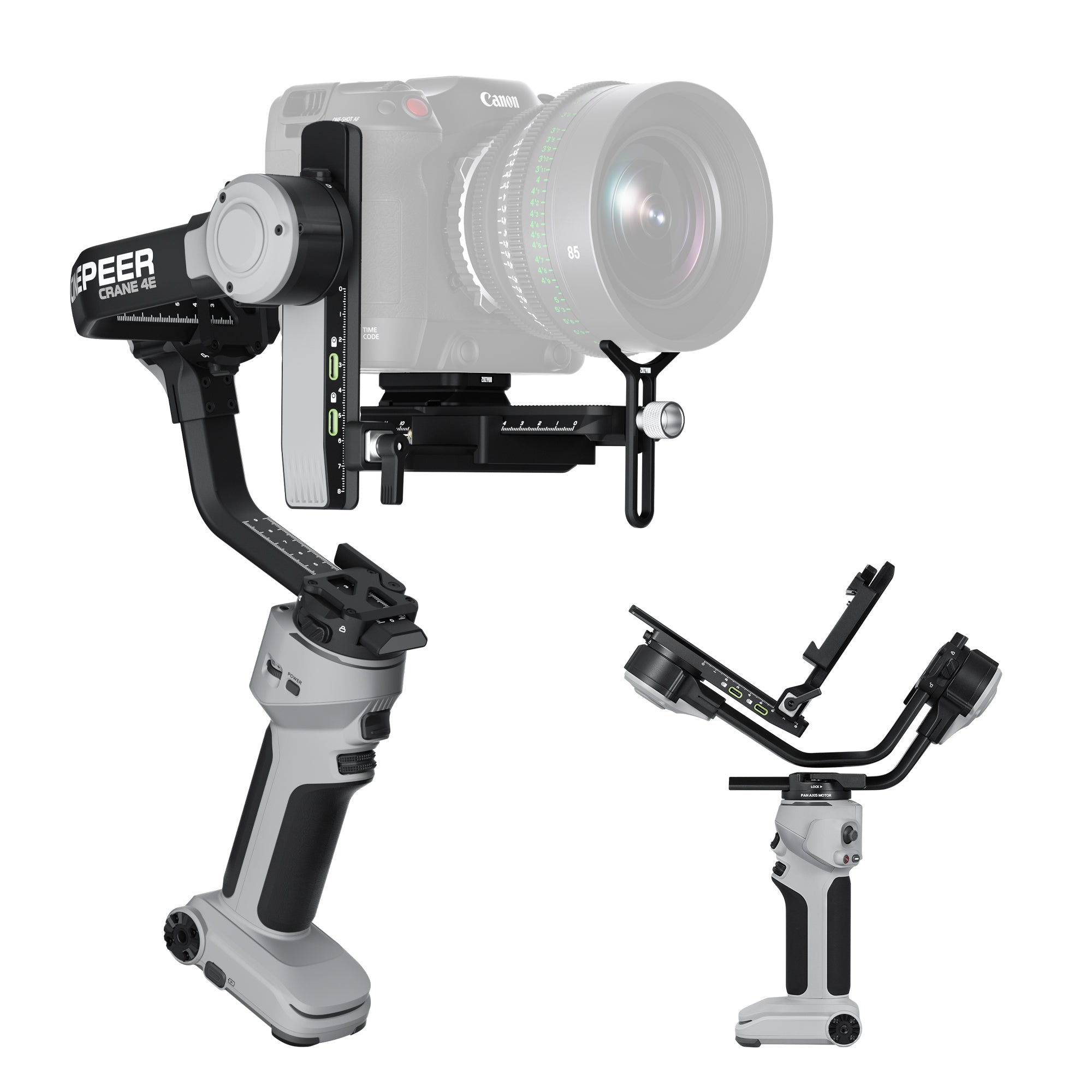
A professional camera gimbal helps solve this problem by stabilizing the camera while allowing controlled movement. For stage and performance filming, the ZHIYUN Crane 4 is especially useful because it is built for professional DSLR and cinema camera setups. Its high-payload design supports heavier camera and lens combinations, which is important when filming performances with fast lenses or longer focal lengths from a distance.
Long lenses are common in stage videography because the videographer often cannot stand close to the performers. However, the longer the focal length, the more obvious small vibrations become. Even a slight hand movement can turn into visible shake when filming a singer, dancer, or actor from the back of a venue. A strong stabilizer helps reduce these micro-movements and keeps the footage cleaner.
When using a gimbal for live performance filming, avoid sudden movements. Smooth footage comes from your whole body, not only the stabilizer. Keep your knees slightly bent, move slowly, and let the performer’s motion guide your camera path. If the performer moves quickly, do not always try to match their speed exactly. Sometimes a controlled pan or diagonal movement looks more professional than chasing the subject aggressively.
For stage entrances, a slow forward movement can build anticipation. For dancers, side tracking can emphasize motion and body lines. For singers, a gentle push-in during an emotional chorus can create a stronger connection with the audience. For group performances, stabilized wide shots can show formation changes without making the frame feel messy.
The Crane 4 also supports efficient handheld operation during long shoots, which matters when filming full performances or multi-hour live events. Fatigue is one of the hidden causes of shaky footage. A more comfortable operating structure helps the videographer stay steady from the opening act to the final scene.
How to Deal with Chaotic Stage Lights and High Contrast
Stage lighting is designed for live impact, not always for camera sensors. Bright spotlights, dark backgrounds, saturated colors, LED screens, and moving beams can create extreme contrast. The human eye may enjoy the drama, but a camera can easily lose highlight detail or crush shadows.
The first rule is to protect highlights. If a performer is under a bright spotlight, expose for the face and costume rather than the dark background. A slightly darker background is usually acceptable, but overexposed skin or blown-out white clothing can be difficult to recover in post-production.
Manual exposure is often safer than full auto exposure. Auto exposure may react to black curtains, flashing lights, or bright LED screens, causing the image to pulse unnaturally. Set your exposure based on the performer’s face or the brightest important area, then make small adjustments only when necessary.
White balance can also be difficult. Stage lights may change from warm amber to blue, red, purple, or green in seconds. Instead of chasing every color shift, choose a consistent white balance that preserves the atmosphere of the show. If you constantly adjust white balance during the performance, the final edit may feel inconsistent.
Autofocus can struggle in low light, haze, or high-contrast LED environments. Before the show begins, test your autofocus behavior with similar lighting conditions. For predictable performances, manual focus or focus assist can be safer. If you use autofocus, choose subject tracking carefully and avoid letting the camera lock onto microphones, instruments, background screens, or other performers by mistake.
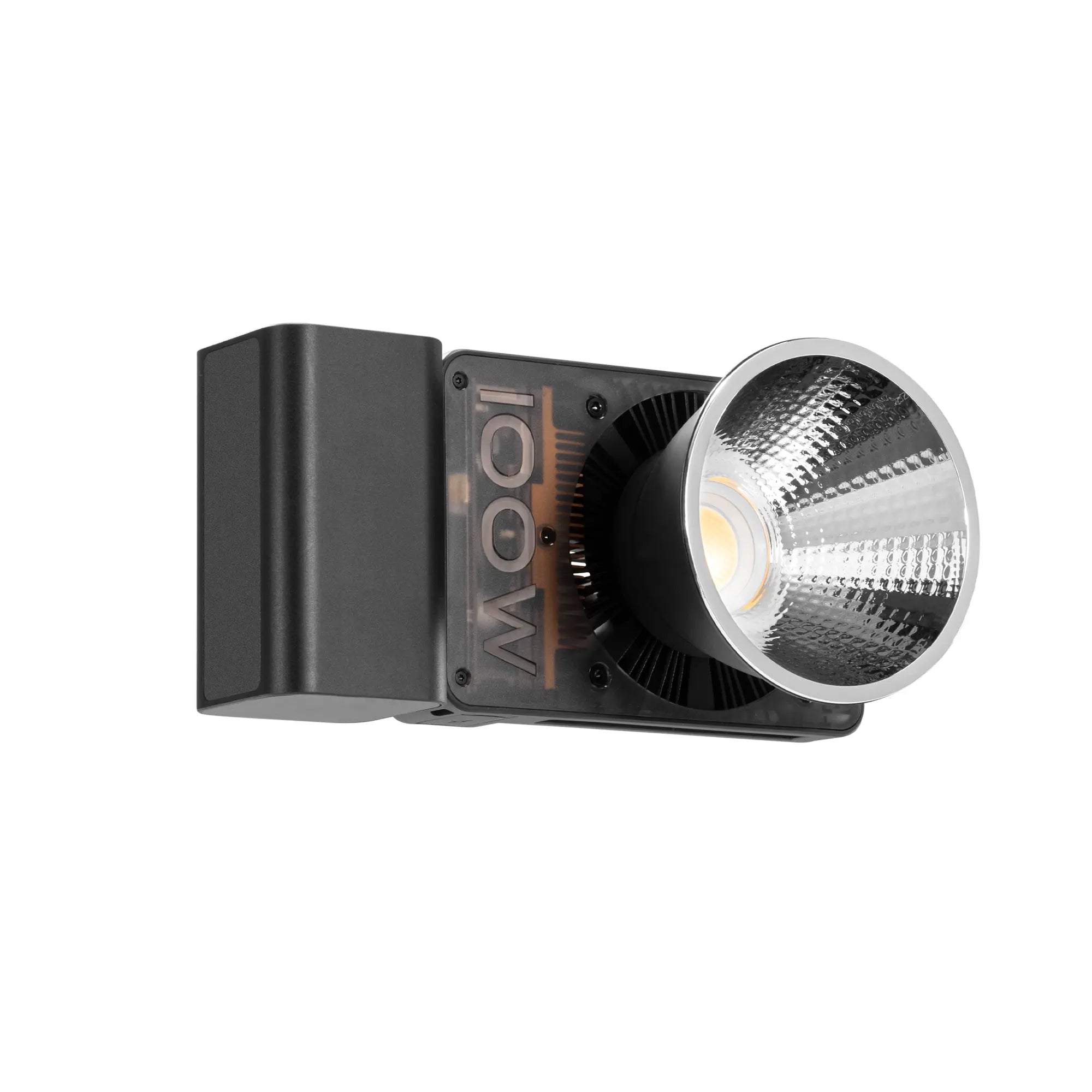
A built-in or compact fill light may help in some backstage, interview, rehearsal, or behind-the-scenes moments, but it should be used carefully during the actual show. Stage lighting is part of the performance design, so adding uncontrolled front light can ruin the atmosphere. Use extra light only when it supports the story and does not disturb performers or the audience.
The best stage footage respects the lighting design while still maintaining visual clarity. Your job is not to flatten the show. Your job is to capture its contrast, color, and drama in a way that remains watchable.
Framing Strategies to Capture the Energy of a Live Audience
A strong performance video is not only about the performers. The audience is part of the event. Cheers, applause, raised hands, emotional reactions, and crowd movement all help the viewer feel the scale and energy of the performance.
Start with a wide establishing shot. Show the full stage, lighting design, venue space, and audience size. This gives viewers context before you move into closer shots. For concerts, a wide shot can show the connection between the performer and the crowd. For theater or dance, it can show stage design, blocking, and group choreography.
Medium shots are useful for following individual performers. They show body movement, gestures, and stage direction without losing too much context. Close-ups are best for emotional moments: a singer’s expression, a dancer’s controlled breathing, an actor’s reaction, or a musician’s hands on an instrument.
Audience shots should be used with purpose. Do not randomly cut away from the stage during key moments. Instead, capture reactions after a dramatic line, during applause, or when the performer interacts with the crowd. These shots are especially useful in highlight videos, promotional edits, and social media clips.
Composition also affects energy. For fast music or dance, diagonal framing and moving foreground elements can make the footage feel more dynamic. For theater, cleaner and more symmetrical framing may better support the performance. For live bands, switching between wide stage shots, close-up instrument shots, and stabilized movement can help the edit match the rhythm of the music.
If you have only one camera operator, prioritize the must-have shots. Capture a stable wide shot when the full stage action matters. Move in for close-ups during emotional or solo moments. Use audience reactions as transitions instead of interrupting the main performance.
The key is rhythm. Good stage videography follows the rhythm of the performance instead of forcing a separate camera style onto it.
Syncing Stable Visuals with Pro-Level Audio Workflows
Great stage footage can still feel amateur if the audio is weak. Live performances rely heavily on sound, whether it is music, dialogue, singing, applause, or ambient crowd energy. Camera microphones alone are rarely enough for professional results.
Whenever possible, record audio from multiple sources. For concerts, try to capture a feed from the soundboard. For theater, use lavalier microphones, stage microphones, or a recorder placed near the performance area. For audience atmosphere, use a separate ambient recorder positioned toward the crowd. Combining direct sound with room ambience makes the final video feel more natural.
Before the performance begins, check audio levels carefully. Live sound can change dramatically between quiet scenes and loud peaks. If your recording levels are too high, distortion may ruin the most important moments. If they are too low, the audio may become noisy when raised in post-production.
Syncing audio and video is much easier when you create a clear reference point. A clap, cue sound, or visible stage moment can help align tracks later. For multi-camera productions, make sure every camera records reference audio, even if that audio is not used in the final edit.
Stable visuals and clean audio should work together. A smooth gimbal shot of a singer during a powerful chorus feels much stronger when paired with clear vocal audio. A wide shot of an audience clapping becomes more immersive when the crowd sound is recorded properly. A quiet theater close-up becomes more emotional when dialogue is clean and present.
For stage videographers, the final workflow should include both technical coverage and creative storytelling. Review the performance structure, stabilize key movement shots, expose carefully for strong lighting contrast, capture audience energy, and record reliable audio.
A tool like the ZHIYUN Crane 4 can become the center of a strong stage shooting workflow because it helps videographers handle professional camera setups while maintaining smooth motion under pressure. From concerts and theater productions to dance performances and live events, stable camera movement allows the emotion and energy of the stage to come through more clearly.

In the end, great live performance filming is about anticipation. You need to know when to hold the frame, when to move, when to go wide, when to push in, and when to let the performance breathe. With the right preparation, stabilization, exposure control, framing strategy, and audio workflow, you can turn a fast-moving stage event into a cinematic video that feels as powerful as being there in person.