










How to Start Vlogging: A Beginner’s Guide to Your First Video
di Leegglaya il Nov 10, 2026Learning how to start vlogging does not require an expensive camera or a complicated production setup. A phone, clear audio, a focused story, and a basic editing workflow are enough to create a first video. This guide covers the formats, equipment, planning, filming, and publishing decisions beginners need to make.
What Is Vlogging?
Vlogging is a personal video format built around an experience, routine, subject, or point of view. A vlog may educate or entertain, but it usually allows the audience to follow the creator through a process rather than simply presenting information.
How Vlogs Differ From Other Video Formats
A tutorial primarily explains how to complete a task, while a vlog places that task inside a personal story. A cooking tutorial might demonstrate a recipe step by step; a cooking vlog could include shopping, preparation, mistakes, and the final meal.
The vlogger’s perspective connects these moments. Personality matters, but the video still needs a clear subject and enough structure to keep viewers oriented.
Common Types of Vlogs for Beginners
Beginners often start with daily routines, travel diaries, study sessions, fitness progress, meal preparation, or behind-the-scenes content. The most sustainable choice is usually a subject that already fits into everyday life.
Someone learning how to start a fitness vlog, for example, could document weekly workouts, setbacks, progress, and practical lessons. A repeatable topic makes future videos easier to plan while giving viewers a reason to return.
What Gear Do You Need to Start Vlogging?

When building a solo creator gear setup, start with equipment that solves a real recording problem. Image quality matters, but dependable sound, power, stabilization, and lighting often improve a beginner vlog more than a new camera body.
Start With a Phone or Camera You Already Understand
Learning how to start videography is easier with a device you already know how to operate. Most recent smartphones can provide sufficient quality for a first vlog while allowing the creator to concentrate on framing and storytelling.
Upgrade only when the current device creates a specific limitation, such as poor low-light performance, limited lens choice, or insufficient manual control.
Prioritize Clear Audio and Reliable Power
Viewers may accept minor visual imperfections, but unclear or inconsistent speech makes a video difficult to follow. A compatible clip-on microphone can improve dialogue without making the setup overly complex.
Carry a power bank or spare batteries when filming for an extended period. Long recording sessions, bright screens, wireless microphones, and stabilization equipment can all increase power consumption.
Add Stabilization for Walking and Solo Shots

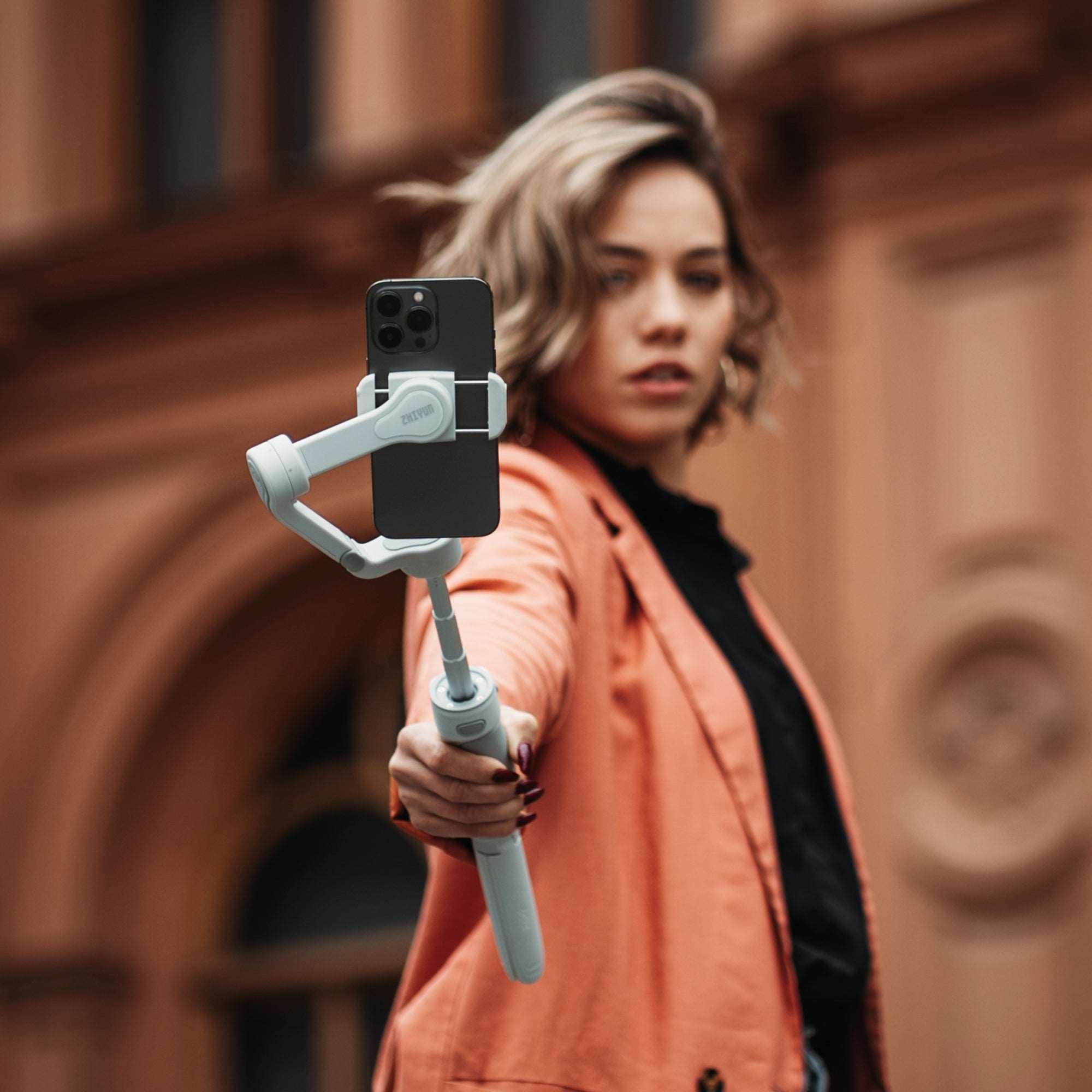
Walking vlogs, fitness videos, and solo presentations can reveal hand movements that are less noticeable in stationary footage. A phone gimbal helps reduce distracting motion while keeping a mobile setup practical for travel and everyday use.
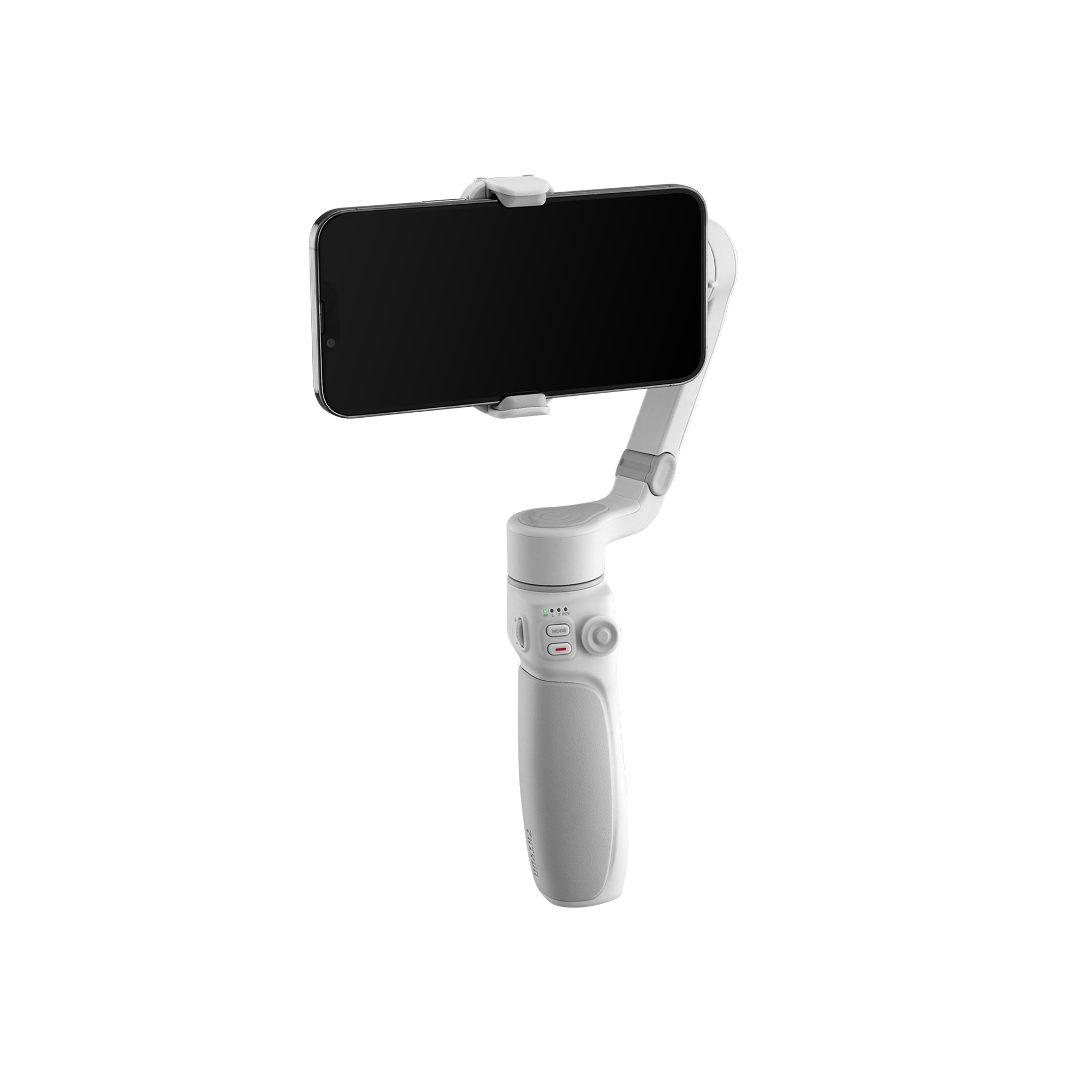
This becomes especially helpful when one creator needs to alternate between handheld and hands-free filming. The ZHIYUN Smooth Q5 Ultra Combo combines three-axis stabilization with AI tracking to help maintain framing as the subject moves. Its wireless remote and voice or motion-sensing controls also allow a solo vlogger to manage the shot from a distance.
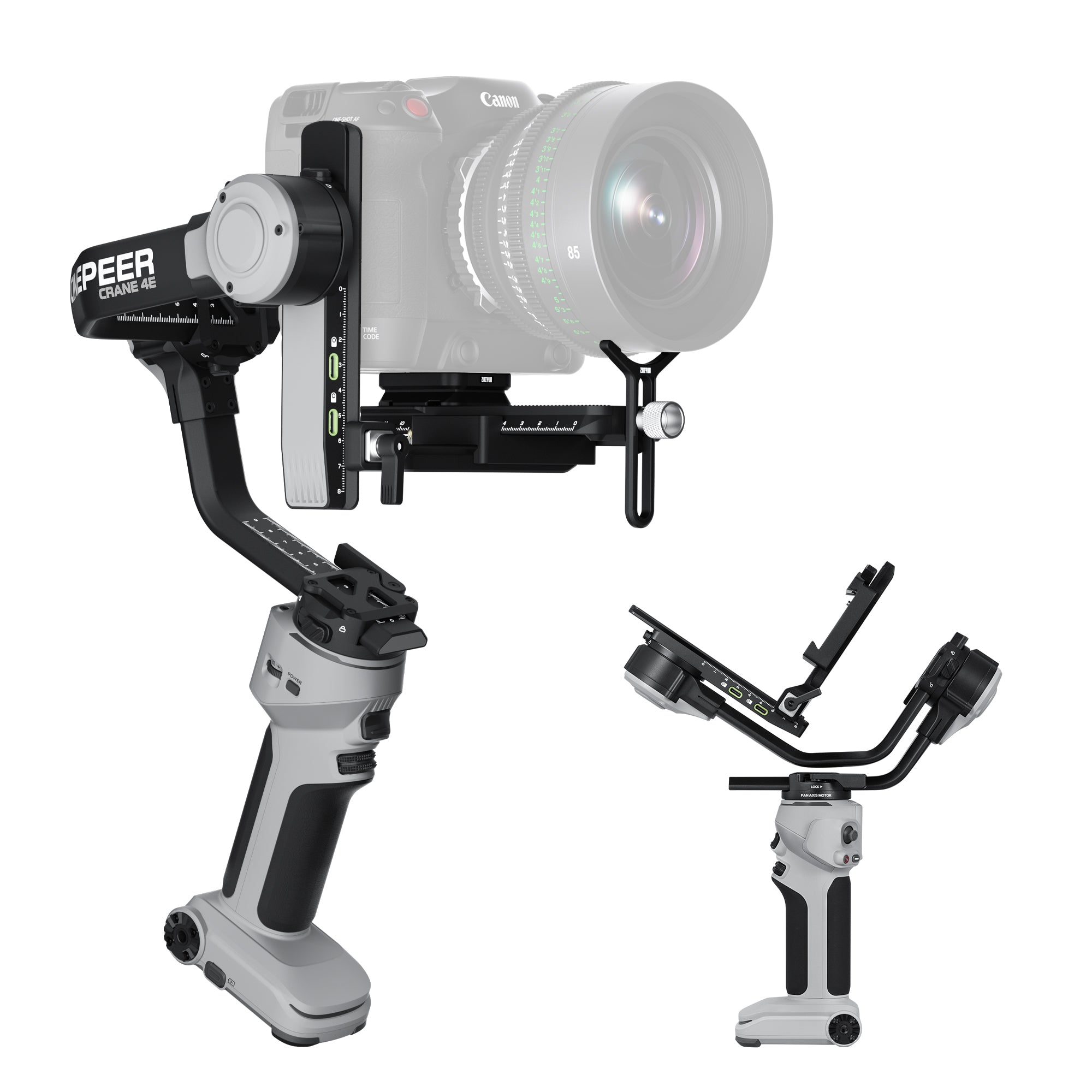
Creators who move to a mirrorless camera need support for the additional weight of the camera, lens, and accessories. A camera gimbal can stabilize these larger combinations, but compatibility should be checked against the complete mounted rig.
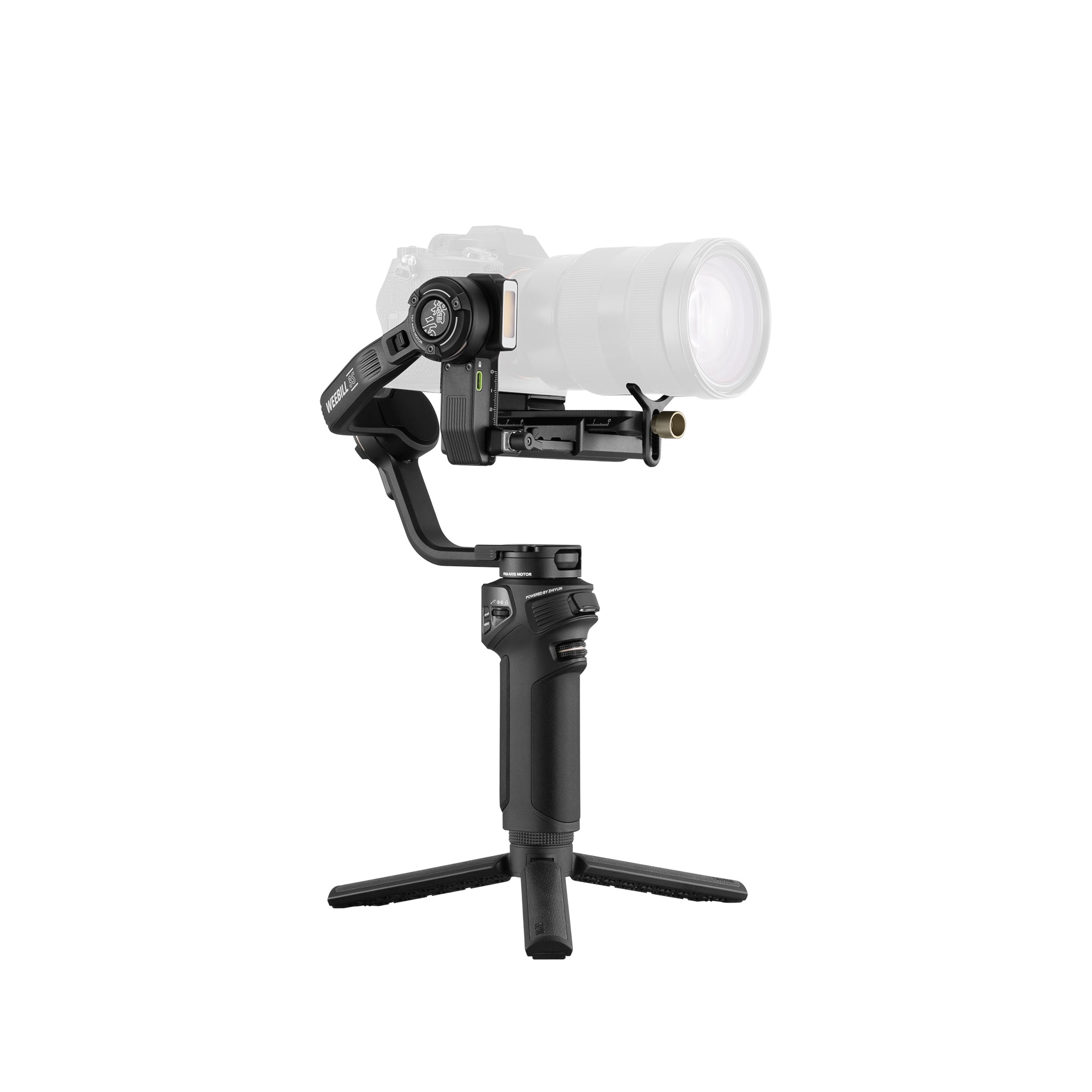
For travel and event content, the ZHIYUN WEEBILL 3E weighs less than 1 kg while supporting compatible setups weighing up to 3 kg. Native vertical shooting also makes it easier to capture horizontal long-form videos and vertical social content without adding a separate orientation accessory.

Add Portable Lighting for Dim or Inconsistent Locations
Window light can change during recording, while overhead room lights may create unflattering shadows. A portable LED light provides a controllable key, fill, or background source.
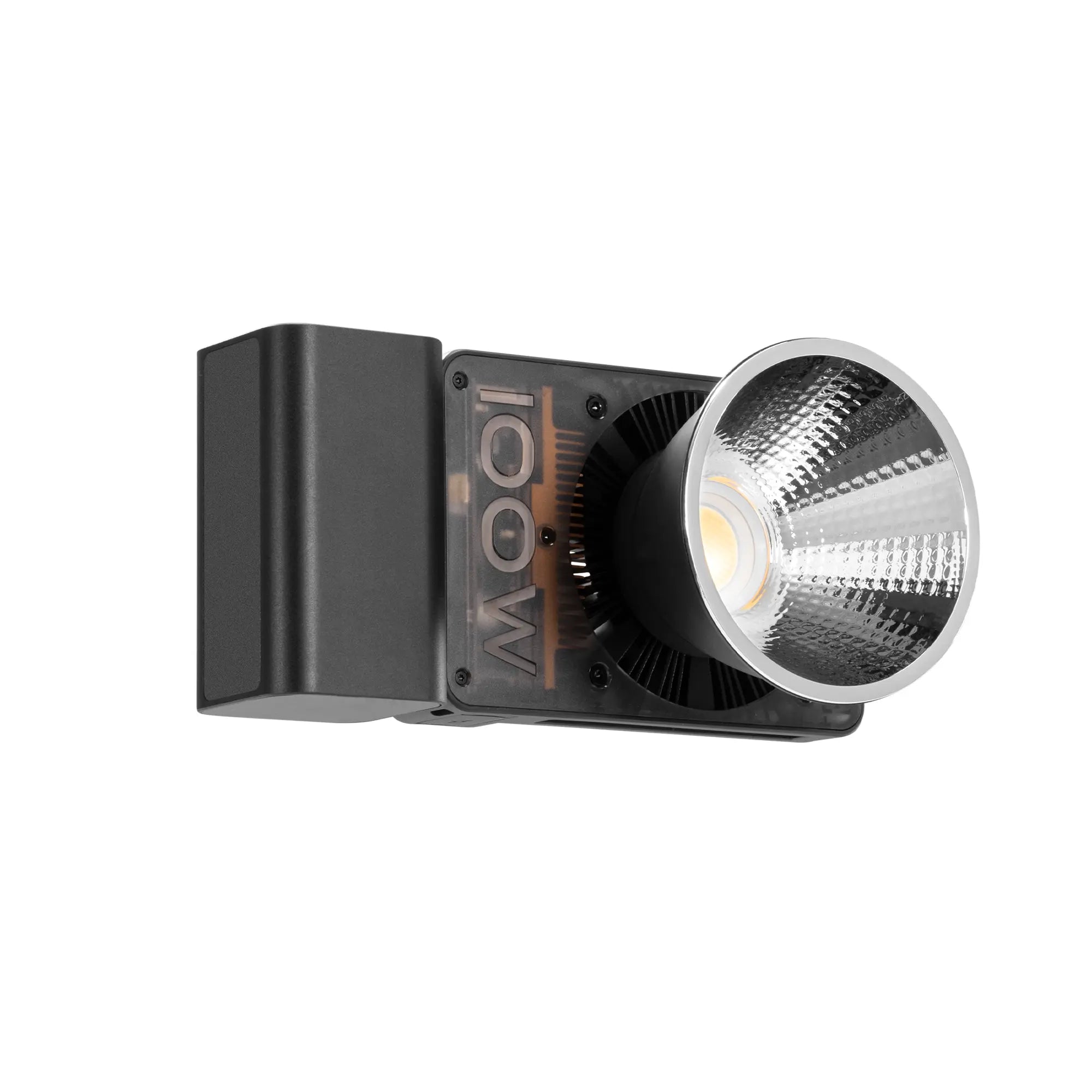
The ZHIYUN FIVERAY M60 Ultra provides 60W RGB output in a 430 g body with a built-in 4500mAh battery. Its 2700K to 10000K range can match warm interiors or cooler daylight. At close range, it can serve as a key light for a talking-head segment, a side light for fitness content, or a fill light during an evening shoot.

How Do You Plan Your First Vlog?
Planning does not require a complete script. A simple direction, audience, and story structure can prevent the video from becoming a collection of unrelated clips.
Choose a Topic and Audience You Can Serve Consistently
Choose a topic you can film regularly and identify who will benefit from watching it. A study vlog may appeal to viewers seeking motivation, while a beginner fitness series can serve people working toward similar goals.
The subject does not need to be unusual. A clear and relatable point of view often matters more than novelty.
Turn the Idea Into a Simple Beginning, Middle, and End
Open by establishing what is happening and why it matters. The middle should show the process, including useful details or obstacles. End with the outcome, lesson, or next step.
This structure gives ordinary activities a sense of progress without making the vlog feel heavily scripted.
Build a Repeatable Format for Fitness, Travel, or Daily Vlogs
A recurring format reduces planning time. Fitness creators might publish weekly progress reports, while travel vloggers could organize each video around one destination or activity.
Keep the framework consistent but vary the events, observations, and visual details. Repetition should support recognition without making every episode feel identical.
How Do You Make and Publish Your First Vlog?
Knowing how to make a vlog becomes easier when production is divided into a few manageable stages. Record the main story first, gather supporting footage, and make editing decisions based on clarity.
Record a Strong Opening and the Main Story
Begin with the central activity, question, or result instead of a lengthy introduction. A fitness vlog might open with the day’s goal, while a travel vlog could begin with the destination or a brief preview.
After the opening, record the events that move the story forward. Physical actions often communicate more effectively than continuous explanation.
Capture B-Roll to Add Context and Cover Edits
B-roll includes supporting shots of the environment, hands performing an activity, equipment, food, signs, or other details. These clips give viewers context and prevent the video from relying entirely on a talking head.
B-roll can also cover visible cuts when pauses or mistakes are removed from the main footage.
Edit for Clarity, Pace, and Consistent Sound
Remove repeated explanations, unnecessary pauses, and clips that do not contribute to the story. The pace should match the subject rather than relying on rapid cuts throughout the entire video.
Keep dialogue levels consistent and lower background music whenever it competes with the voice. Clear sound should remain the priority.
Create a Clear Title and Thumbnail Before Publishing
The title should explain what the viewer will see or gain from the video. Specific wording generally communicates more value than a vague title such as “My New Vlog.”
Use a thumbnail with a clear subject, readable contrast, and minimal text. Make sure the title and image accurately represent the content rather than promising an outcome the video does not deliver.
What Vlogging Mistakes Should Beginners Avoid?
Common mistakes usually come from overcomplicating the process or overlooking basic viewer needs.
- Waiting for perfect equipment before filming.
- Starting without a clear topic or story direction.
- Recording dialogue without checking audio quality.
- Opening with a long introduction before reaching the subject.
- Filming only talking-head footage without visual context.
- Using background music that competes with the voice.
- Copying another creator’s style without adding a personal perspective.
- Publishing on a schedule that cannot be maintained.
- Recording people without considering consent and privacy.
- Using music without checking its licensing terms.
Conclusion
Learning how to start vlogging begins with a clear topic, familiar equipment, and a manageable production process. Record a simple story, and add a gimbal stabilizer or portable light only when it solves a genuine problem. Edit for clarity rather than complexity. Each published video provides practical feedback that can improve the next one.
FAQ
How Long Should a Beginner Vlog Be?
There is no universal ideal length. Keep only the scenes that support the story, and let the platform, subject, and viewer expectations determine the final duration.
How Often Should a New Vlogger Post?
Choose a schedule that can be maintained consistently. One thoughtful weekly video is usually more sustainable than publishing several videos and then becoming inactive.
Should You Script a Vlog or Speak Naturally?
Use a short outline with the opening, main events, and conclusion. This keeps the video organized while allowing the delivery to remain natural.
Should a Vlog Be Vertical or Horizontal?
Use vertical video for TikTok, Reels, and Shorts, and horizontal video for most long-form YouTube content. If both versions are needed, frame wider or record separate takes instead of assuming every shot can be cropped successfully.
Can You Start Vlogging Without Showing Your Face?
Yes. A faceless vlog can use point-of-view footage, hands performing an activity, environmental shots, screen recordings, and voice-over narration to tell the story.


