










Phone Gimbal vs Camera Gimbal: Which One Should Content Creators Choose?
A phone gimbal and a camera gimbal can both create smoother footage, but they are designed for different production needs.
A phone gimbal prioritizes portability, speed, automatic tracking, and mobile-first publishing. A camera gimbal supports larger sensors, interchangeable lenses, more advanced exposure control, and professional production workflows.
For a creator choosing between the two, the decision should begin with the content—not the equipment. TikTok beauty tutorials, travel Reels, wedding films, commercial interviews, product videos, and documentary projects do not require the same camera package.
Quick Answer: Choose Based on Your Delivery Platform
Choose a phone gimbal when speed, portability, solo operation, and direct mobile publishing matter most.
Choose a camera gimbal when image control, lens choice, low-light performance, audio integration, and professional delivery requirements are more important.
A phone setup is often sufficient for:
· TikTok and Instagram Reels
· Travel vlogs
· Daily lifestyle content
· Livestream clips
· Beauty and makeup videos
· Behind-the-scenes footage
· Fast business social content
A camera gimbal is more suitable for:
· Wedding filmmaking
· Commercial production
· Music videos
· Professional interviews
· Fashion films
· Real-estate videos
· Event coverage
· Client projects requiring advanced post-production
There is also no rule saying a creator must use only one. Many production teams use a camera for the main film and a phone gimbal for vertical highlights, backstage footage, and fast social delivery.
Portability and Setup Speed
A smartphone gimbal can normally be prepared quickly. Mount the phone, check its balance, open the camera or companion app, and begin recording.
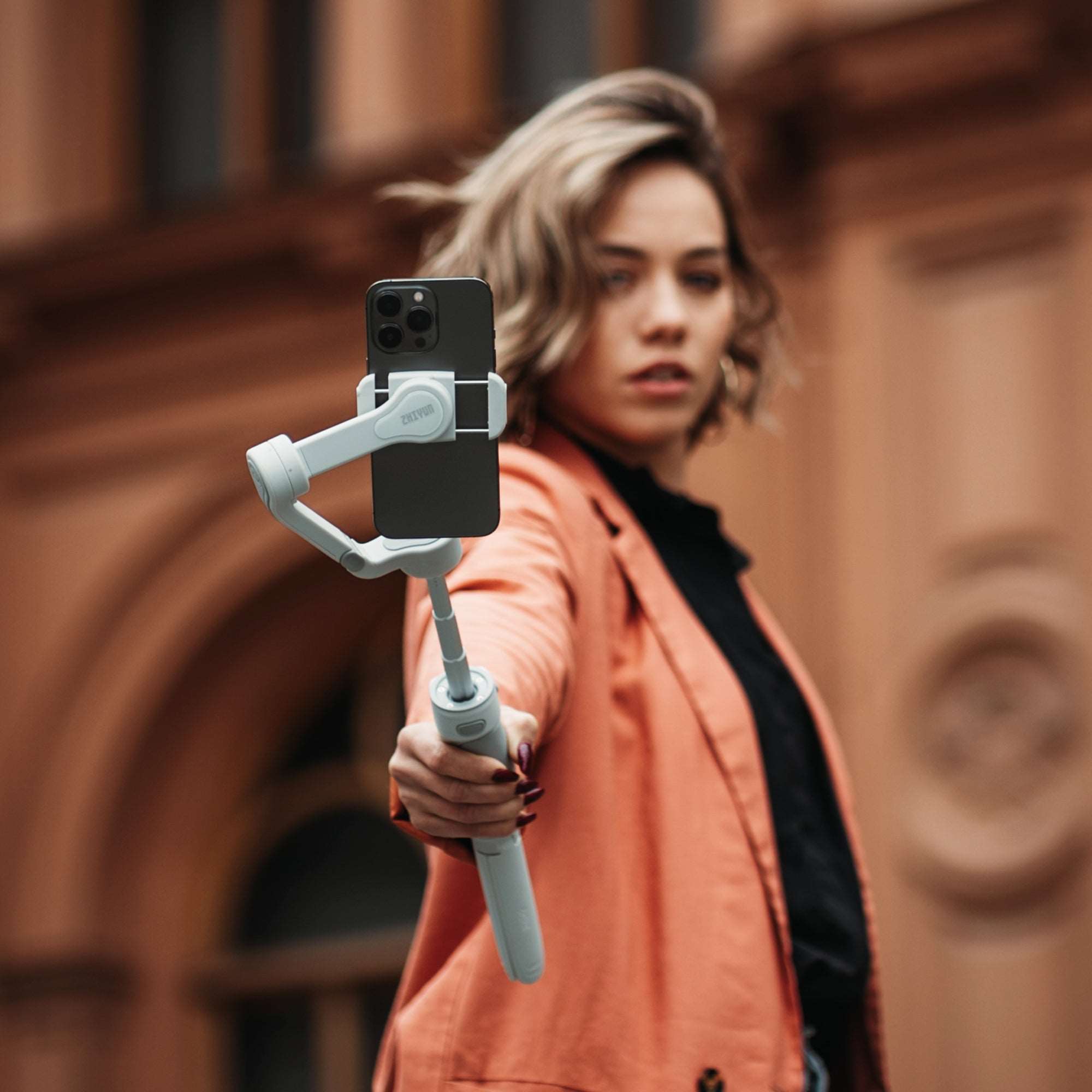
The ZHIYUN Smooth Q5 Ultra is designed for mobile creators who need stabilized movement, flexible framing, and solo-friendly operation. It is especially useful when the creator must appear in the video while also controlling the shot.
A phone setup is easier to carry through airports, city streets, cafes, exhibitions, or outdoor locations. It also attracts less attention than a professional camera rig, which can be important for street vlogging and public-space content.
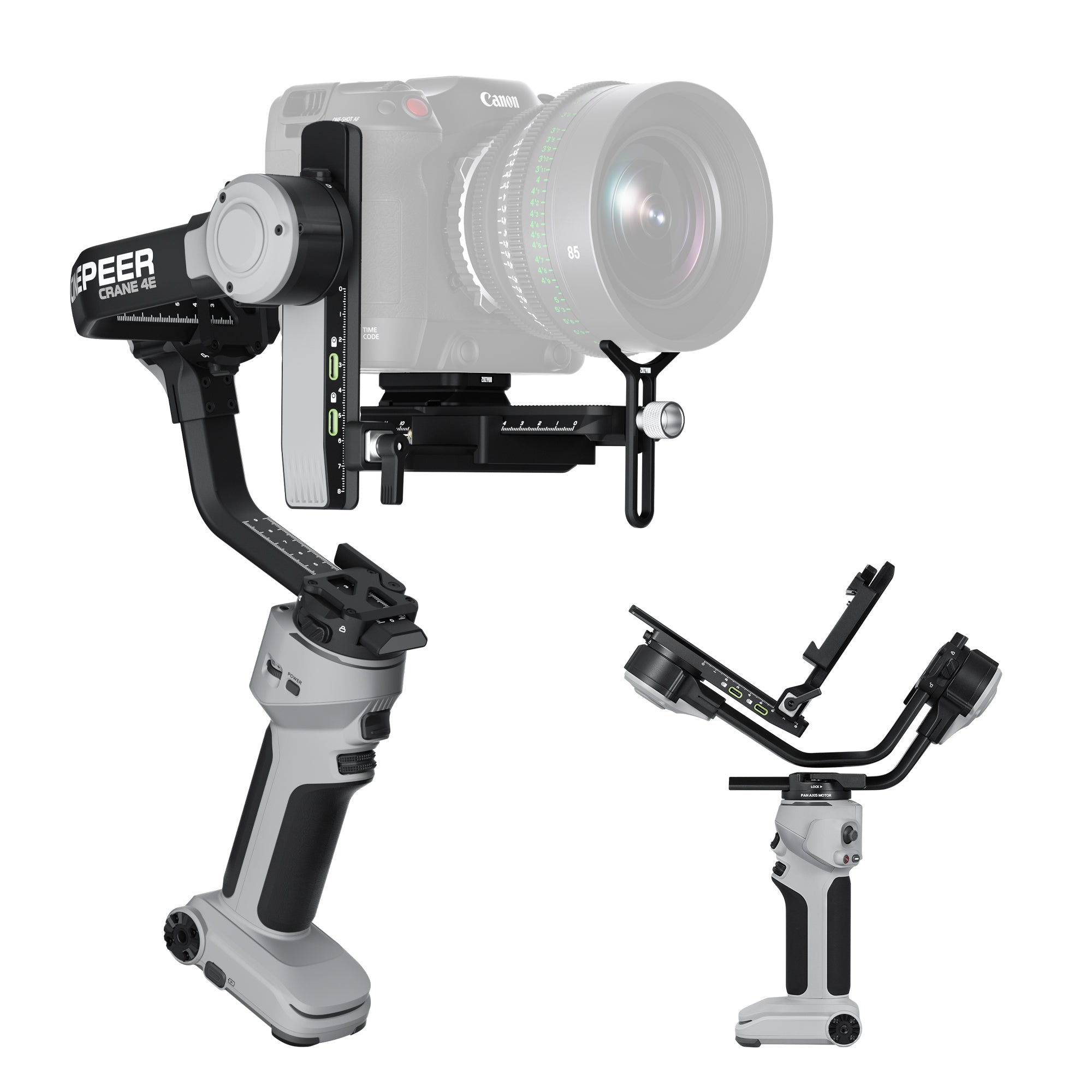
A camera gimbal requires more preparation. The camera and lens must be balanced correctly, and changes to lenses, filters, cages, microphones, or other accessories may affect that balance.
However, this additional setup provides greater control when the production requires a specific visual result.

Image Quality and Lens Control
Modern phones can produce impressive images in good conditions, but they rely heavily on computational processing. The user may have limited control over sharpening, noise reduction, depth rendering, and lens behavior.
A mirrorless or DSLR camera gives creators more control over:
· Aperture
· Shutter speed
· ISO
· Lens focal length
· Optical depth of field
· Log or high-bit-depth recording
· Manual focus
· External monitoring
· Professional audio
· Color grading
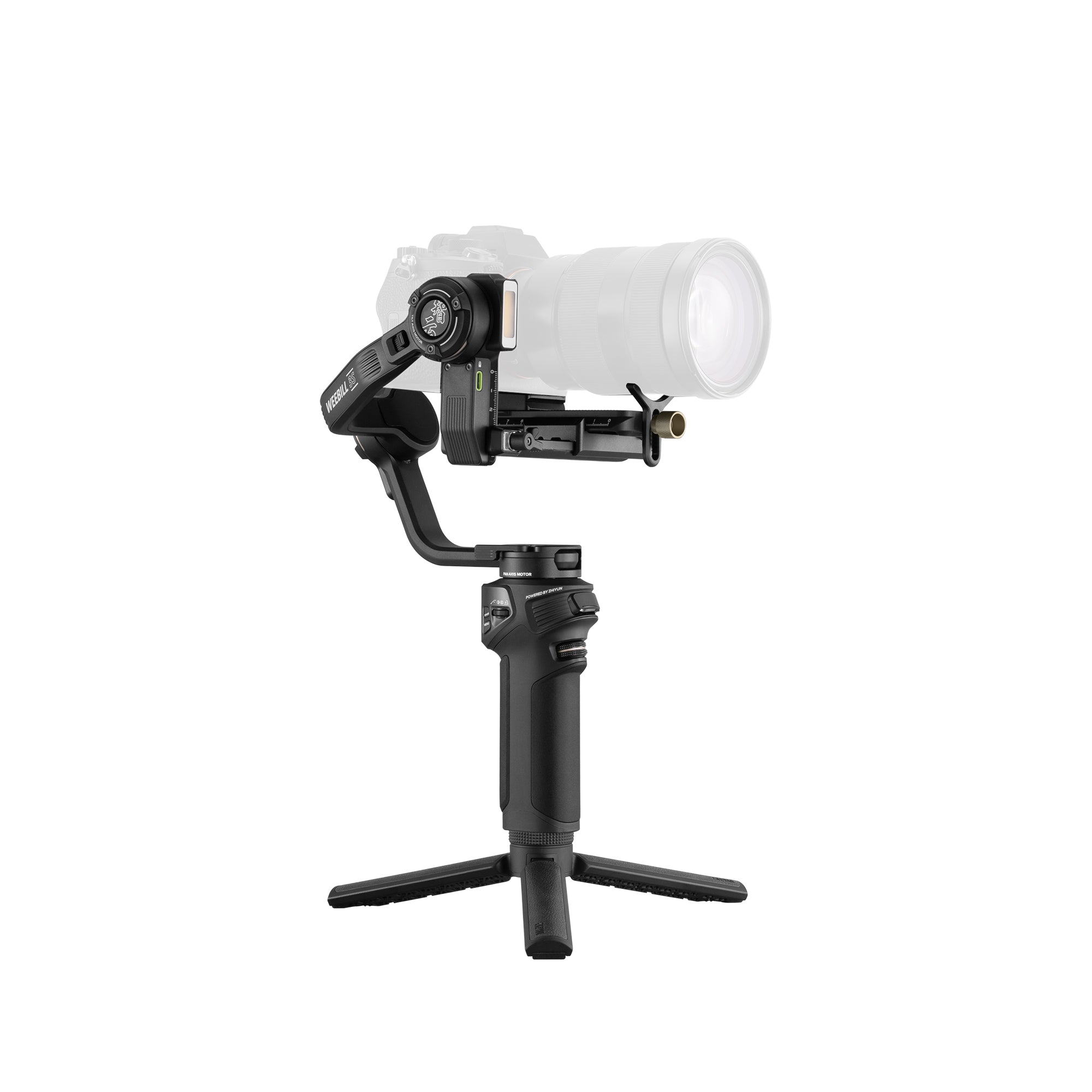
The ZHIYUN Weebill 3E provides a compact camera gimbal stabilizer option for creators moving from smartphone production into interchangeable-lens filmmaking.
With a camera gimbal, a wide lens can be used for immersive walk-throughs, while a standard or portrait lens creates more subject separation. This flexibility is valuable when visual consistency matters across a commercial or narrative project.

Tracking and Solo Creator Features
Phone gimbals are particularly strong for solo creators. Subject tracking can keep the creator framed while they walk, demonstrate a product, apply makeup, exercise, cook, or speak to the camera.
An extension system can also support wider angles, overhead views, low-angle clips, and moving selfie shots.
Camera gimbals are generally operated more deliberately. Although professional systems may support tracking or remote control, the creator often needs to plan the shot, operate the rig, or work with another team member.
For a one-person beauty or lifestyle channel, a phone gimbal may reduce production complexity. For a commercial interview, fashion film, or client event, the greater image control of a camera system may justify the additional setup.
Audio and Lighting Considerations
The stabilizer is only one part of the production system.
A mobile creator may need:
· A wireless microphone
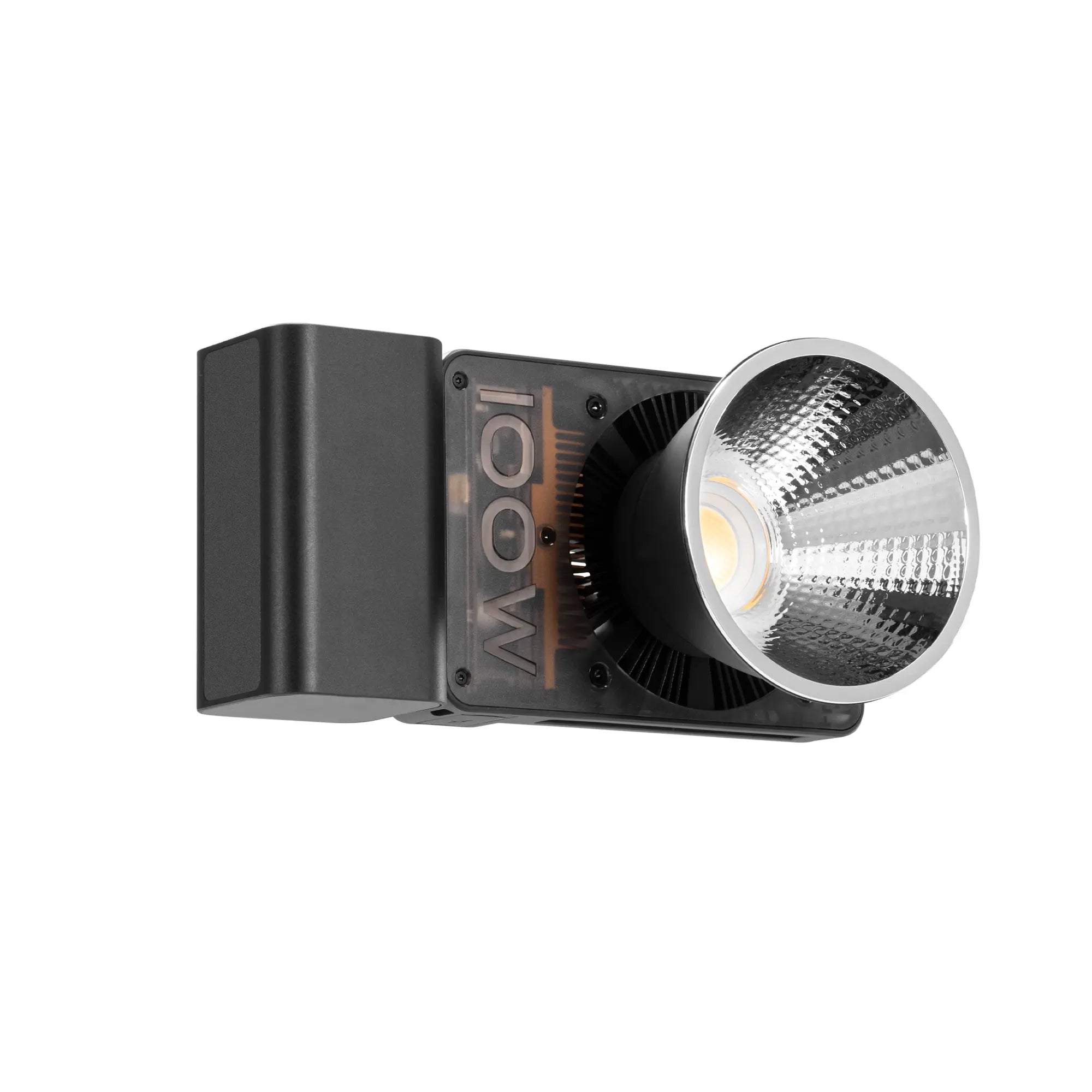
· A compact video light
· A phone-compatible recording app
· A small tripod
· A power bank
A camera creator may need:
· A directional or wireless microphone
· External audio recording
· ND filters
· Spare camera batteries
· A field monitor
· A larger portable light
· Additional mounting accessories
Adding too many accessories to either rig can reduce the portability advantage. Build the setup around the content you record most frequently.
For example, a creator filming short beauty videos may be better served by a Smooth Q5 Ultra, compact microphone, and pocket light than by a full mirrorless rig.
A creator filming paid brand campaigns may need the Weebill 3E, a camera with interchangeable lenses, controlled lighting, and a more advanced audio workflow.
Which Gimbal Fits Different Types of Creators?
|
Creator Type |
Recommended Starting Point |
|
TikTok or Reels creator |
Phone gimbal |
|
Beauty and makeup creator |
Phone gimbal |
|
Travel vlogger |
Phone gimbal or compact camera gimbal |
|
YouTube talking-head creator |
Depends on camera system |
|
Wedding videographer |
Camera gimbal |
|
Commercial filmmaker |
Camera gimbal |
|
Real-estate creator |
Camera gimbal |
|
Small business social media team |
Phone gimbal |
|
Hybrid creator |
Both systems |
A hybrid creator might use the phone for daily content and the camera for planned productions. This prevents every social post from becoming a full production social post from becoming a full production social post from becoming a full production while preserving professional quality for important projects.
Plan an Upgrade Path Instead of Replacing Everything
Creators often assume that moving to a camera means abandoning their phone workflow. In reality, the phone remains valuable for quick clips, location scouting, social previews, second angles, and vertical content.
A practical upgrade path may look like this:
Start with a smartphone and phone gimbal.
Add a compact light and wireless microphone.
Develop consistent framing and editing skills.
Move to a mirrorless camera when lens and exposure limitations become clear.
Add a camera gimbal when planned movement becomes part of the visual style.
The right choice is the system that helps you publish better content consistently.
A phone gimbal such as the Smooth Q5 Ultra emphasizes speed and independence. A camera stabilizer such as the Weebill 3E emphasizes visual control and production flexibility. Both belong within the broader creator ecosystem developed by ZHIYUN.