










Best Phone Gimbal for iPhone and Android: How to Choose the Right One
The best phone gimbal is one that fits your smartphone securely, stabilizes the movements you regularly film, and provides useful controls without making setup unnecessarily complicated. This guide explains what separates a good stabilizer from an average one, recommends models for different shooting needs, and shows how to choose and use a gimbal for iPhone or Android video.
What Makes a Good Phone Gimbal?
A long feature list does not automatically make a gimbal better. Stabilization, compatibility, tracking reliability, and handling have a greater effect on everyday use than specialized shooting modes that may rarely leave the menu.
|
Feature |
Why It Matters |
What to Check |
|
Three-axis stabilization |
Reduces unwanted pan, tilt, and roll movement |
Motor strength, horizon stability, and smooth response |
|
Phone compatibility |
Determines whether the phone can be mounted and balanced |
Supported weight, width, thickness, and case clearance |
|
Subject tracking |
Helps solo creators remain in the frame |
App-based or hardware tracking and supported camera apps |
|
Portability |
Affects whether the gimbal will be carried regularly |
Folded size, total weight, and setup time |
|
Battery life |
Determines how long the gimbal can operate |
Realistic runtime with tracking and lighting enabled |
|
Accessories |
Expands possible shooting situations |
Tripod, extension rod, remote, light, and storage case |
Smooth Three-Axis Stabilization
A three-axis smartphone gimbal uses motors to counter unwanted movement across the pan, tilt, and roll axes. This keeps the horizon level and produces smoother walking shots, pans, and subject-following sequences.
Stabilization should remain responsive without making intentional camera movement feel abrupt. A gimbal cannot eliminate every vertical bounce caused by footsteps, so operator technique still matters. The goal is controlled movement rather than footage that appears mechanically locked in place.
Reliable Tracking and Camera Control
Subject tracking is valuable for tutorials, fitness videos, livestreams, and solo presentations. However, tracking methods differ. Some work through a dedicated mobile app, while hardware-based AI modules may support compatible native cameras and third-party applications.
The best gimbal for iPhone users should do more than physically support the device. Check whether recording, zoom, tracking, and orientation controls work with the camera application you plan to use. Basic stabilization may function without an app even when advanced controls do not.
Secure Phone Fit and Comfortable Handling
A phone must fit within the gimbal’s supported dimensions and weight range. Large phones, thick cases, external lenses, and microphones can affect balance or interfere with the moving arms. Confirm compatibility using the complete setup rather than the phone body alone.
Comfort is equally important. Handle shape, button placement, grip angle, and overall weight determine how long the gimbal remains practical to use. A lightweight gimbal stabilizer that is ready in seconds may provide more value than a heavier model with features you rarely need.

Best Phone Gimbals for Different Shooting Needs
There is no universal winner for every creator. The right choice depends on whether portability, hands-free tracking, lighting, or greater control over camera movement matters most.
Best for Travel and Everyday Video
Travel filming often shifts between walking clips, group shots, selfies, and quick updates to the camera. For travelers figuring out how to take better selfies, a gimbal with wider framing and hands-free controls can reduce the need to carry a separate tripod, remote, and extension rod.
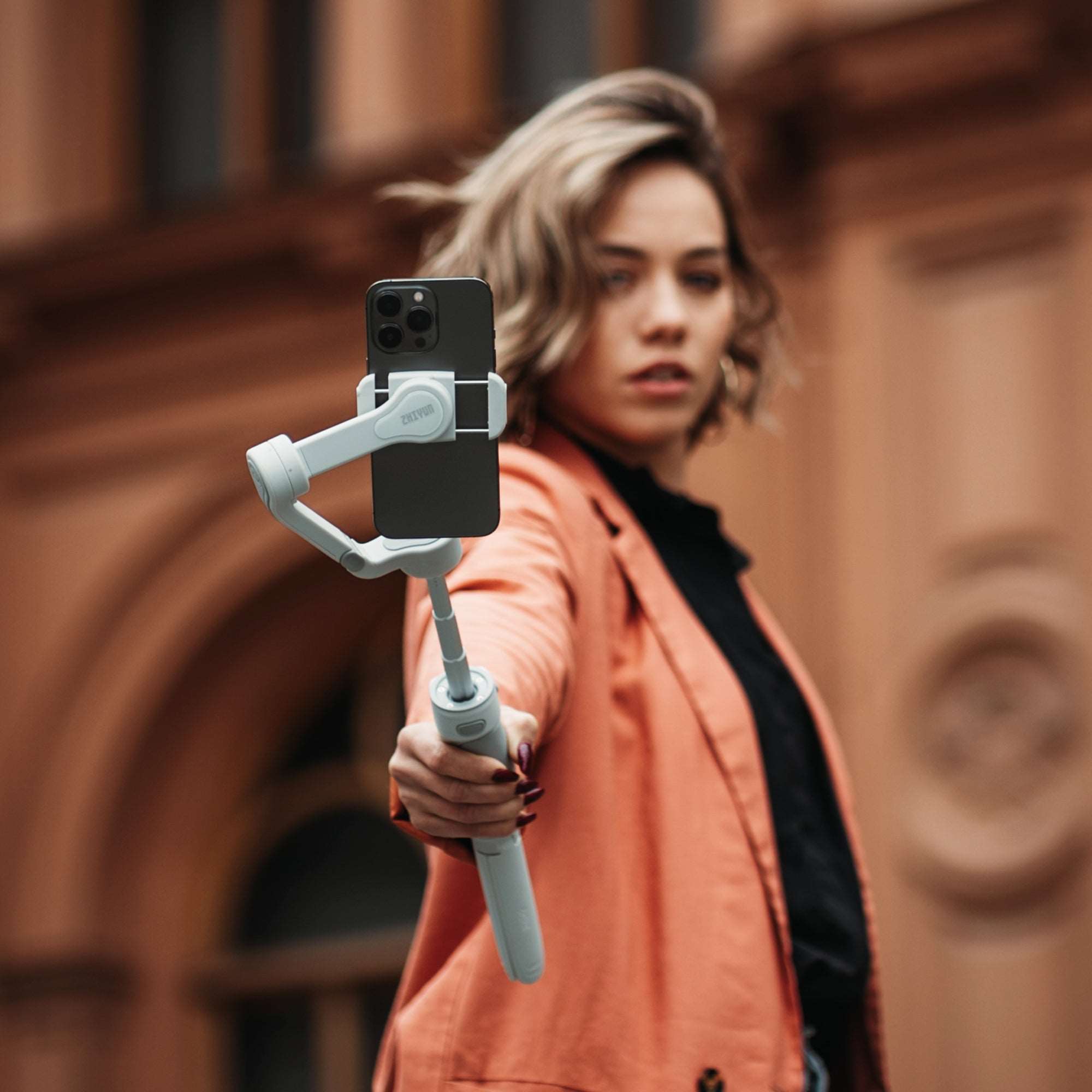
This is where the ZHIYUN Smooth Q5 Ultra Combo fits naturally. Its 215 mm extension rod makes wider selfies and elevated angles easier to capture, while AI tracking helps maintain consistent framing as you move. When the gimbal is placed on its tripod, voice, motion-sensing, and detachable remote controls let you start recording or adjust the frame from a distance. The built-in fill light provides convenient close-range illumination, making the setup practical for both daytime sightseeing and evening travel updates.
Best for Solo Vlogging and Hands-Free Filming
Solo creators need more than steady walking footage. They also need consistent framing when demonstrating a product, recording a workout, preparing food, or moving around a room.
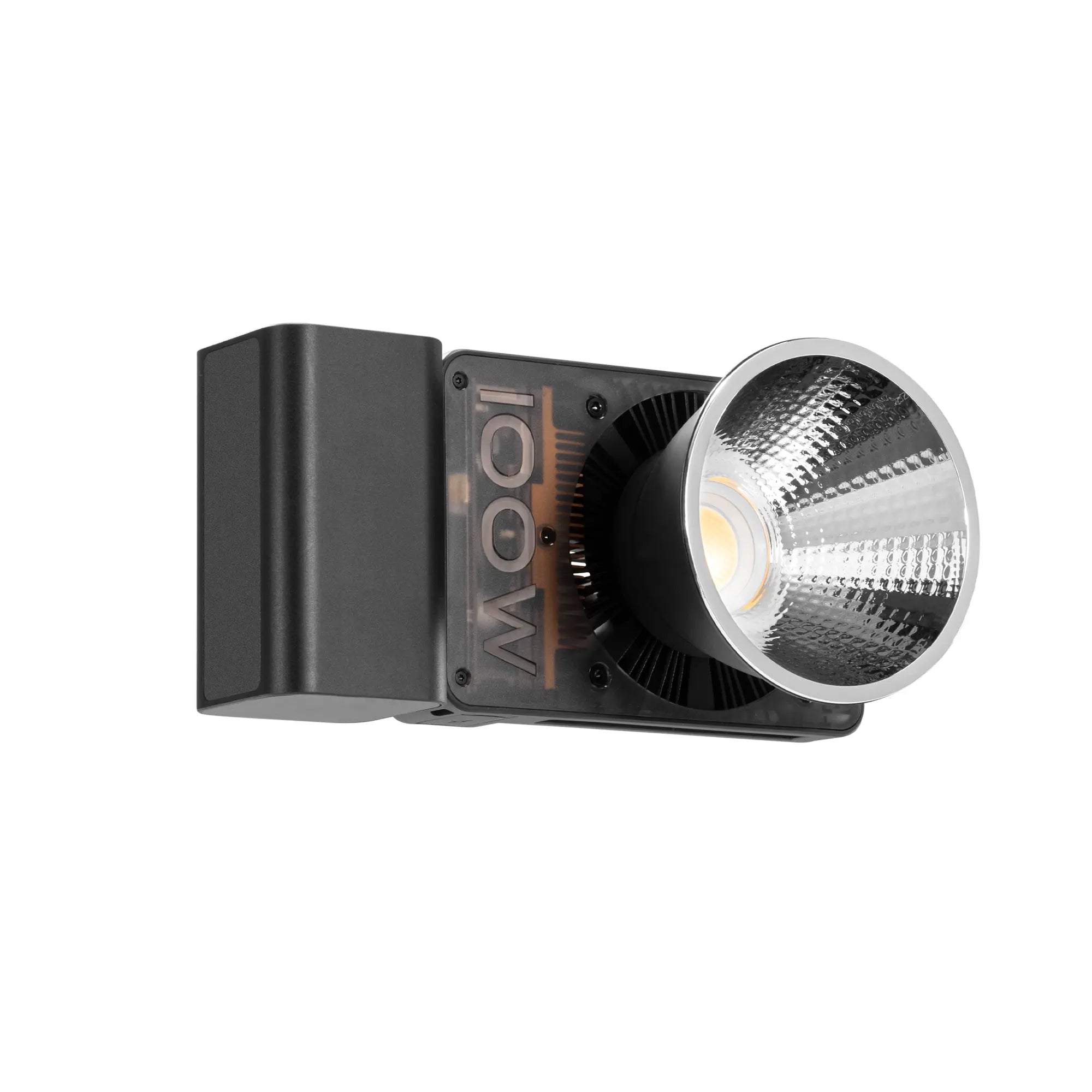
For that workflow, the ZHIYUN Smooth 5E Combo combines three-axis stabilization with AI tracking and gesture control. The integrated mini extension rod gives creators more flexibility when adjusting camera height or distance, while the Combo package includes a magnetic fill light for faces and nearby subjects. Its rated battery performance also makes it suitable for longer recording sessions, although lighting and tracking will reduce runtime compared with basic standby use.
Best for Advanced Mobile Filmmaking
More deliberate smartphone filmmaking may involve low-angle tracking, orbit shots, dramatic pans, and controlled lighting. These shots benefit from wider mechanical movement and more direct control over the gimbal.
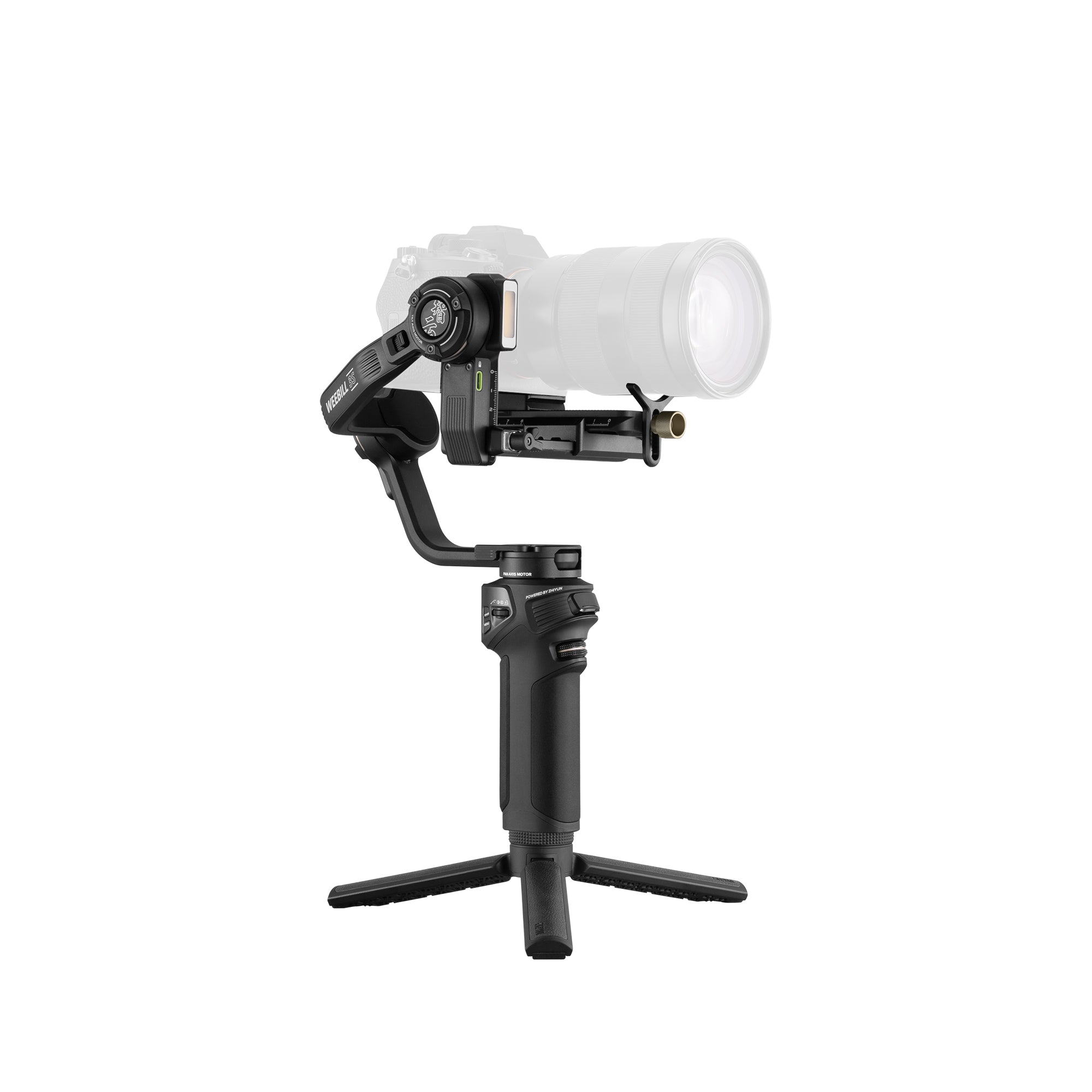
The ZHIYUN Smooth 5S AI Pro is designed for this more involved workflow. Its orthogonal three-axis structure supports smooth low-angle movement and 360-degree rotation on the pan axis. AI tracking helps maintain framing, while the built-in 5000K arm light provides up to 680 lux for close-range illumination. The Pro package adds a magnetic fill light, color filters, a wrist strap, and a storage bag, giving creators more control over both movement and visual atmosphere.
How to Choose the Right Gimbal for Your Phone
Begin with compatibility, then evaluate the features connected to your regular shooting habits. Price should be considered alongside the accessories and controls you would otherwise need to purchase separately.
Check Phone Size, Weight, and Case Compatibility
Review the supported phone width, thickness, and weight before buying. This is particularly important for larger iPhone Pro Max models, foldable Android devices, and phones fitted with rugged cases.
The clamp should hold the device securely without pressing side buttons or covering a lens. If the phone carries an external microphone or lens, confirm that the additional weight and shape will not prevent proper balancing.
Match Tracking and Controls to Your Camera Apps
Decide whether you normally film through the native camera, a social media platform, or a dedicated gimbal app. App-based tracking may offer specialized shooting modes, but it can require creators to leave their preferred camera interface.
Hardware AI tracking can provide greater flexibility for supported third-party apps. Even then, check whether features such as zoom, focus, gesture control, and remote recording are available with your specific phone and application.
Compare Portability, Battery Life, and Bundle Contents
 When comparing a gimbal for phone video, consider the complete kit rather than the stabilizer alone. A compact tripod, extension rod, remote, portable LED light, and carrying case can reduce the need for additional gear.
Battery claims also require context. Motor effort, phone weight, tracking modules, and fill-light brightness can change the actual runtime. If the gimbal will be used while traveling, folded size and charging options may be more important than the longest possible laboratory runtime.
Tips for Smoother Phone Gimbal Footage
A capable iPhone gimbal or Android stabilizer still depends on correct setup and controlled operation. A few simple habits can improve footage more than switching between numerous automatic modes.
Mount and Balance Your Phone Before Recording
Place the phone in the clamp before turning on the gimbal. Center it as closely as possible and confirm that it does not swing heavily toward one side. Remove accessories that prevent secure mounting or interfere with the moving arms.
Balancing reduces unnecessary motor effort and can improve battery performance. Before recording, rotate the gimbal gently through its range to check that the phone, case, and lenses have enough clearance.
Choose the Right Follow Mode for the Shot
Pan-follow mode works well for walking shots and controlled horizontal turns. Lock mode keeps the camera pointed in a selected direction, which is useful when moving past a subject or maintaining a fixed composition. More responsive follow or POV modes suit orbit shots and dynamic movement.
Start with one predictable mode instead of changing settings during every shot. Once its response becomes familiar, adjust follow speed and motor sensitivity to match the pace of the subject.
Use Controlled Steps, Starts, and Turns
Keep the gimbal close to the body, relax the arms, and use small steps to limit vertical movement. Begin walking before accelerating the camera move, then slow down gradually before stopping.
For pans and reveals, rotate from the torso instead of steering only with the wrists. Record a few seconds before and after the intended action so the cleanest portion can be selected during editing.
Conclusion
The best phone gimbal is not necessarily the model with the most features. It is the one that fits your device, supports your preferred camera apps, and makes the shots you regularly capture easier to repeat.
A compact model is often the better choice for travel, while AI tracking and lighting offer more value for solo creators. Advanced mobile filmmakers may benefit from wider movement, stronger controls, and a more complete accessory kit. Choosing around real shooting needs will produce better results than paying for functions that remain unused.
FAQ
What Is the Best Phone Gimbal for 2026?
The best option depends on the shooting style. The Smooth Q5 Ultra Combo suits travel and everyday video, the Smooth 5E Combo supports solo and hands-free creation, and the Smooth 5S AI Pro provides more control for advanced movement and lighting. Compatibility should always be confirmed before purchase.
How Do Smartphone Gimbals Work?
A smartphone gimbal uses motion sensors, a processor, and electric motors to detect and counter unwanted rotation. A three-axis model stabilizes pan, tilt, and roll while allowing the operator to make intentional camera movements.
What Are the Benefits of Using a Smartphone Gimbal?
A gimbal can produce smoother walking shots, maintain a level horizon, and create more controlled pans or tracking sequences. Models with AI tracking can also keep a solo creator framed, while extension rods, tripods, remotes, and lights expand the range of possible shots.
Are Gimbals Worth It for iPhone?
A gimbal for an iPhone is worthwhile when filming while walking, following moving subjects, recording alone, or creating controlled cinematic movement. Recent iPhones already provide effective internal stabilization, so a gimbal may offer less value for stationary clips and casual handheld recording.
What Is a Good Three-Axis Gimbal for Phones?
A good three-axis model should fit the complete phone setup, maintain a stable horizon, respond smoothly to intentional movement, and remain comfortable to carry. Tracking, lighting, and remote controls are valuable only when they support the way the phone will actually be used.