










Product Photography & Video Lighting: A Complete Beginner’s Setup Guide for E-commerce Success
In today's competitive online retail landscape, high-quality product photography and video are non-negotiable. Professional visuals directly impact customer trust, reduce return rates, and boost conversion—studies show that superior images can increase sales by 30% or more. For e-commerce beginners, the goal is clear, accurate, and consistent representation of your products' design, color, texture, size, and features across your catalog.
This guide is tailored for newcomers starting small (home studio, garage, or spare room) and scaling up. We'll cover essential lighting principles, simple-to-advanced setups, handling common materials, product video basics, and building a scalable system—all with practical, budget-conscious advice. Proper lighting eliminates harsh shadows, controls reflections, ensures color fidelity (critical for accurate skin tones in beauty or true reds in fashion), and makes products look premium without heavy post-production.
Core Goals of E-commerce Product Photography
Every shot should deliver:
- Clarity & Detail — Sharp focus on textures, stitching, logos, and fine details.
- Color Accuracy — True-to-life hues (use high-CRI lights ≥95 to avoid casts).
- Consistency — Uniform look across hundreds of SKUs (same white balance, exposure, background).
- Appeal — Subtle dimension and highlights that make products look tangible and desirable.
Lighting achieves 80% of this—get it right, and editing becomes minimal.
Essential Lighting Setups for Beginners
Start simple and build complexity as your catalog grows. Use continuous LED lights for instant preview (no guessing like strobes) and video compatibility.
- One-Light Setup (Beginner-Friendly & Budget Starter) Ideal for matte or simple products (clothing, books, accessories). Position a single diffused light at 45° to the side and slightly above the product (eye-level or higher for flat items). Use a softbox, umbrella, or diffusion panel to create soft, even light with gentle shadows for dimension. Add a white foam board or reflector opposite the light as fill to lift shadows (often 1/2–1/3 key intensity). Great for white-background shots; keeps setup clean and fast.
- Two-Light Setup (Most Versatile for E-commerce) Key light: 45° side angle with diffuser/softbox for main illumination and texture. Fill light: Opposite side at lower power (or reflector) to control contrast without flattening. Perfect for most products—adds depth while keeping shadows soft and details visible. Pro tip: Set both to 5000–5600K daylight for neutral, accurate colors.
- Three-Light Setup (Advanced & Pro Results) Key + Fill as above, plus a rim/backlight (behind product, higher angle) for separation and subtle glow on edges. Excellent for reflective items or adding premium feel (e.g., jewelry sparkle or bottle highlights). Use grids or barn doors on rim to avoid flare.

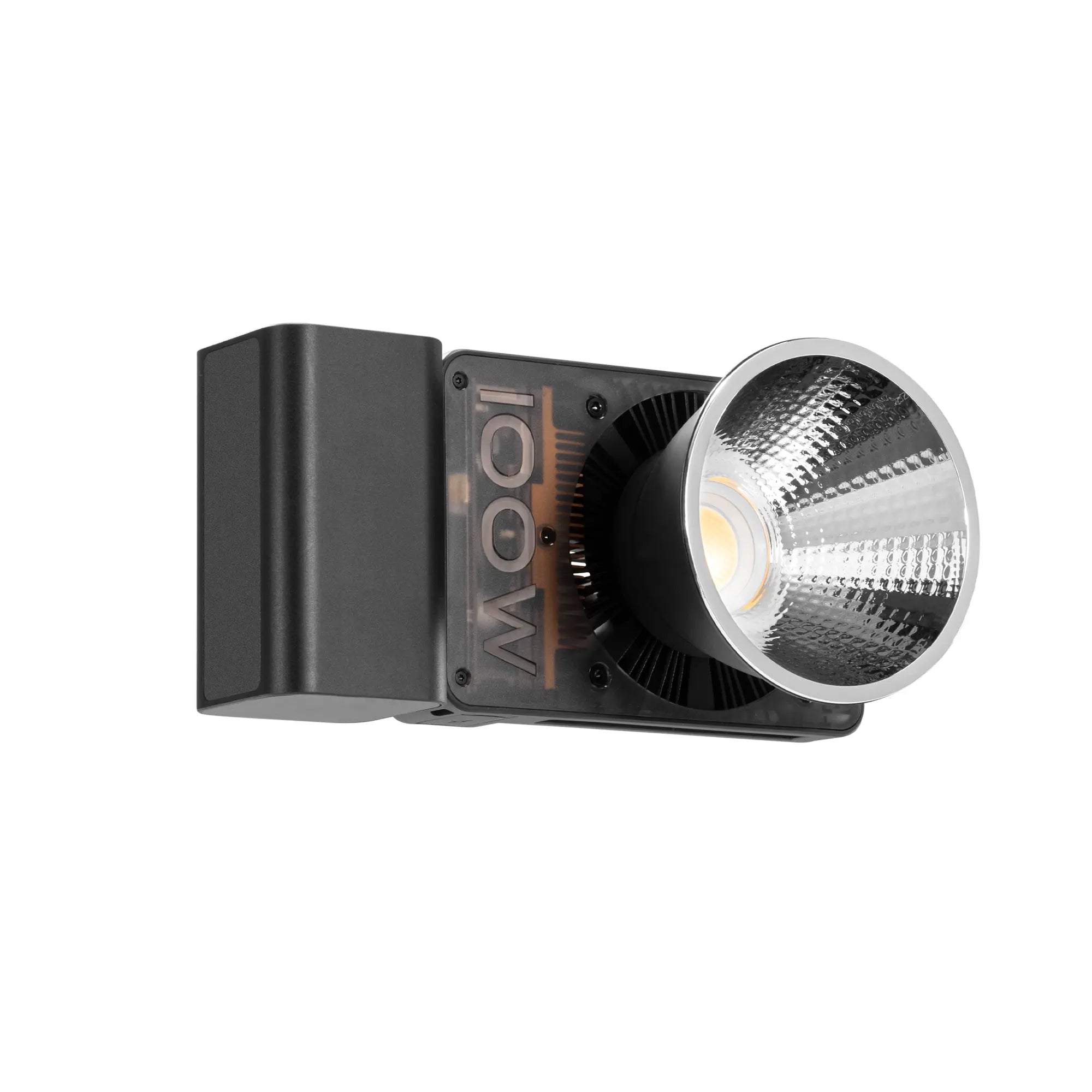
The Zhiyun Molus G300—a compact 300W bi-color COB LED (2700K–6500K CCT, CRI ≥95, TLCI ≥97, up to 500W overclock mode, Bowens mount for softboxes/reflectors, app control, ultra-quiet fan)—serves as an excellent key or main light. Its high output (up to 61,000 lux @1m with reflector) handles large products or diffusion-heavy setups, while the wide CCT range matches any ambient or creative need. At just 1.56kg, it's scalable from tabletop to full studio without overwhelming beginners.
Handling Different Product Materials
Materials dictate lighting tweaks—master these for professional consistency:
- Matte / Absorbent Surfaces (fabrics, ceramics, wood, paper) Use stronger, more direct light to reveal texture. Position key at 60–70° to graze across surface (creates micro-shadows for weave, grain). Fill at higher ratio (70–80%) to avoid deep blacks. Soft diffusion prevents hotspots.
- Reflective / Glossy Surfaces (metal, glass, ceramics with glaze, electronics, jewelry) Avoid direct frontal light—creates distracting hotspots. Use broad, diffused sources (large softboxes, light tents, or multiple diffused lights) and the “family of angles” rule: place lights so reflections bounce away from the lens. Techniques: Surround with diffusion panels/reflectors for even wrap-around light; use black flags/cards to subtract unwanted reflections; add subtle rim for controlled shine. Polarizing filters on lens can reduce glare.
- Transparent / Translucent Objects (glassware, bottles, cosmetics, liquids) Backlight or rim light to emphasize glow and edges; combine with side key for form. Use diffusion behind for clean, vibrant translucency. Avoid front hotspots—position lights high and to sides. Light tents excel here for uniform illumination.
Always white-balance to your key light and shoot RAW for flexibility.
Product Video Production for E-commerce
Videos (360° spins, lifestyle clips, unboxings, feature close-ups) drive engagement on Amazon, Shopify, TikTok Shops, and ads.
Key techniques for beginners:
- Lighting — Continuous sources only (no flash flicker). Maintain consistent key/fill/rim ratios across shots. Add subtle backlighting for sparkle on moving parts or liquids.
- Camera Movement — Smooth pans, tilts, zooms, or 360° reveals highlight details dynamically.
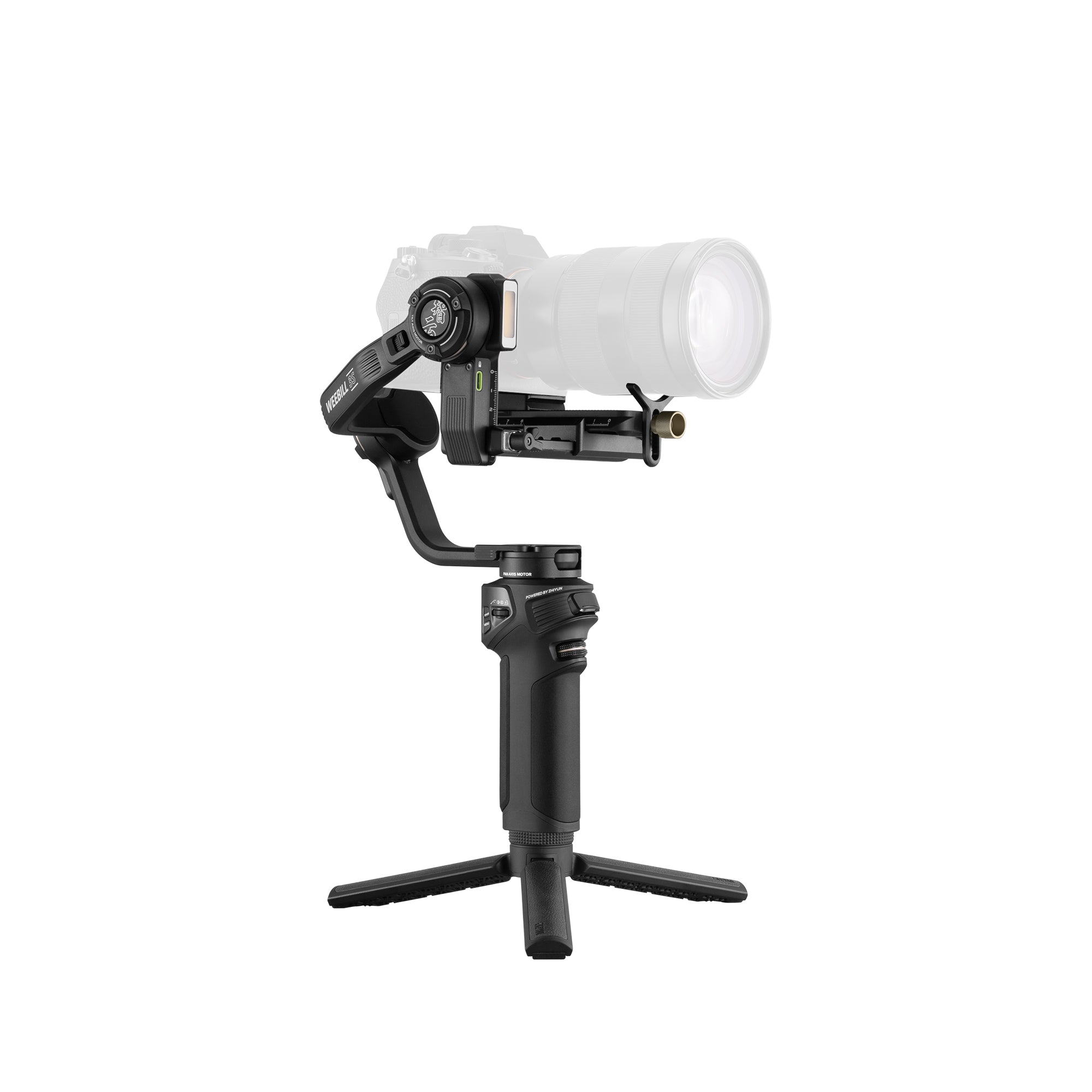
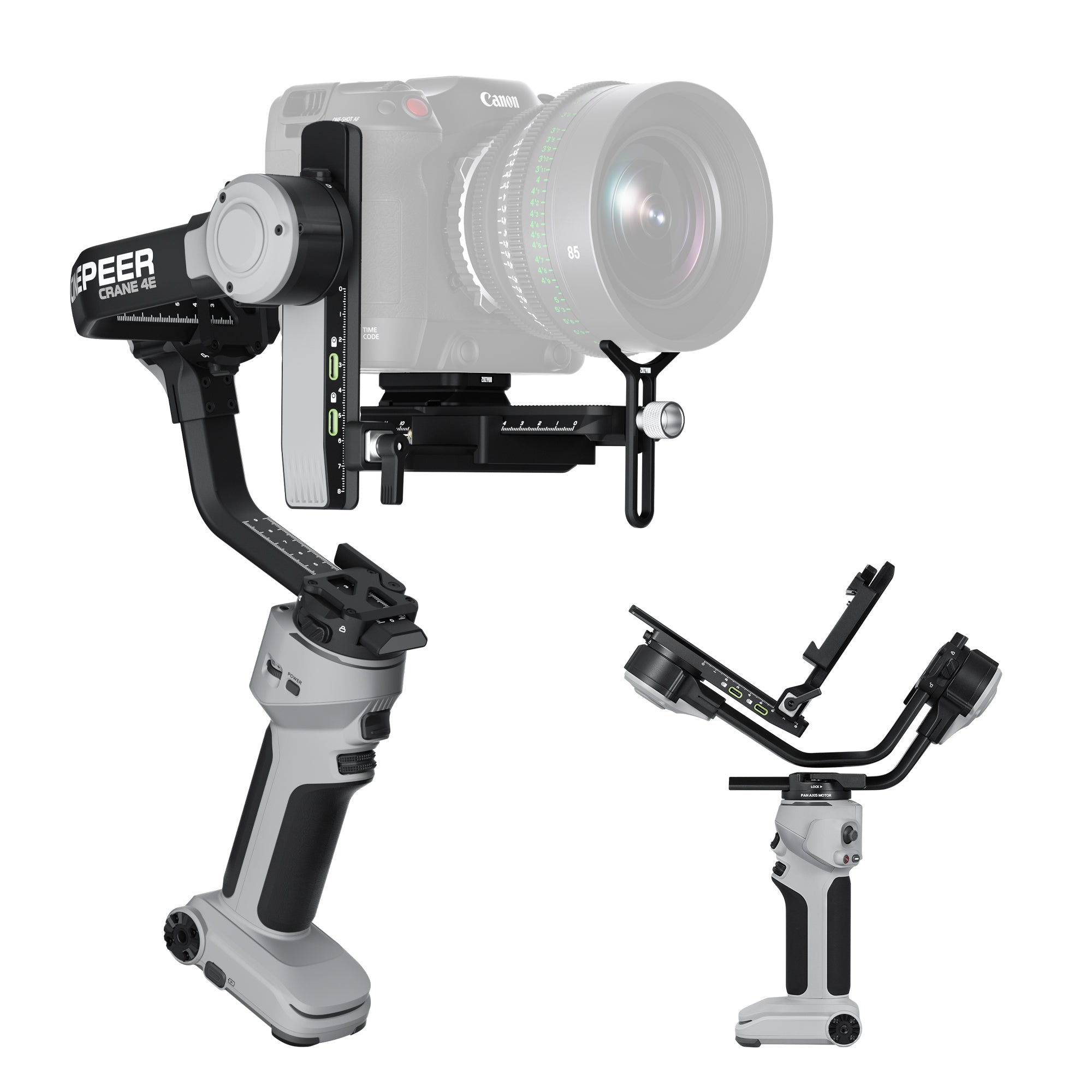
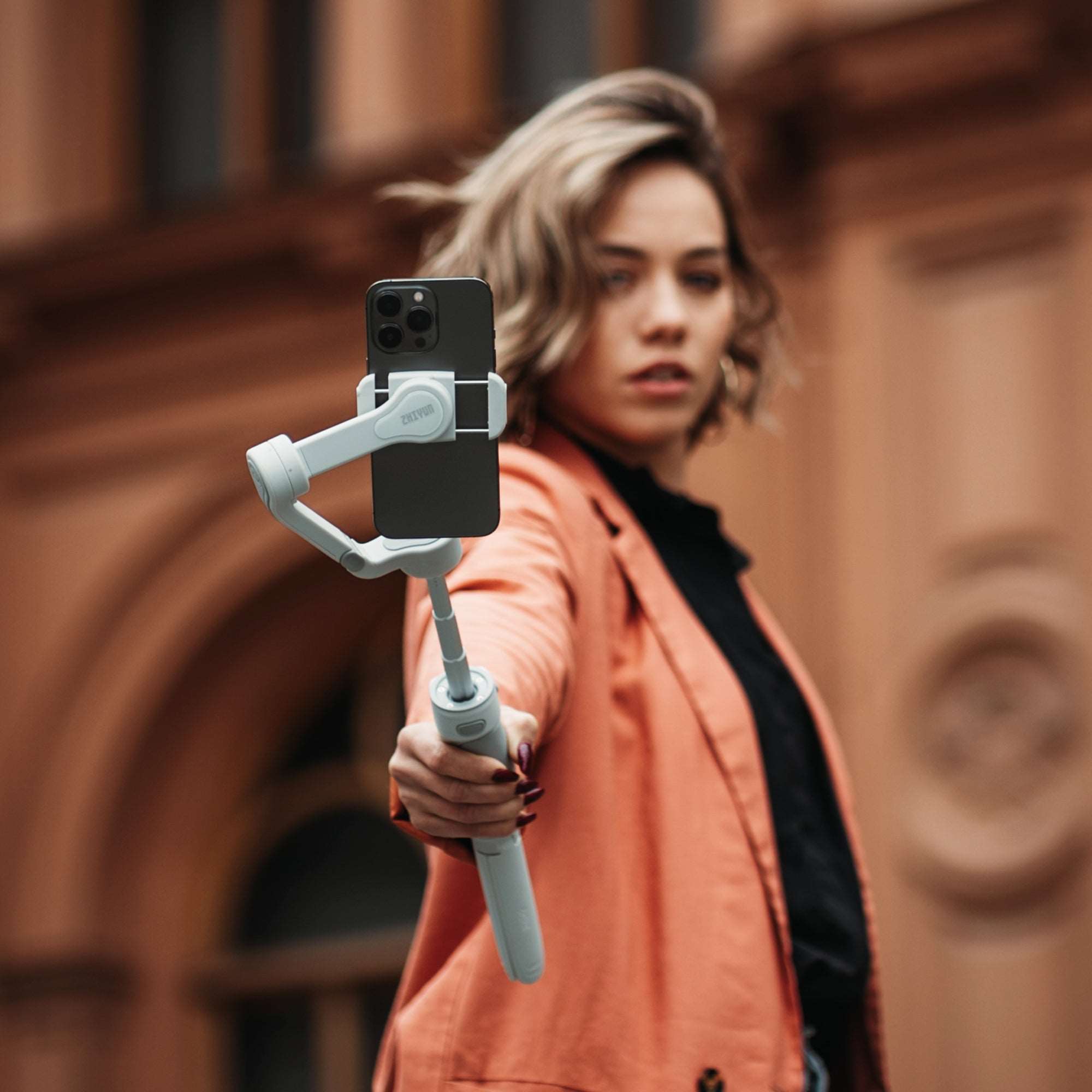
- Stability — Essential to avoid shaky footage that looks amateur. Zhiyun Crane series gimbals provide three-axis stabilization for mirrorless/smartphone payloads, enabling buttery-smooth handheld motion, overhead tracking, or vertical-to-horizontal switches—perfect for product demos or social reels.
Common shots: Static hero angles, slow 360° spins (use turntable), close-up pours/slices, lifestyle usage.
Building a Scalable, Beginner-Friendly Studio Setup
Start small, expand smartly
- Core Kit — Mirrorless/DSLR or high-end smartphone, tripod (for stills), white seamless backdrop (paper or fabric), light tent for small/reflective items.
- Lighting — 1–2 Molus G300 units + softboxes, reflectors, flags. Bowens compatibility allows affordable modifiers. App control for quick adjustments.
- Stability — Tripod for photos; Crane gimbal for video.
- Space — Tabletop sweep (white curved backdrop) for clean isolation.
- Scalability — Add lights for larger products; consistent CCT/brightness ensures catalog uniformity as SKUs grow.
Tips: Shoot tethered if possible; use gray card for accurate WB; bracket exposures for tricky dynamic range.
Common Beginner Mistakes to Avoid
- Undiffused direct light → harsh shadows/hotspots.
- Inconsistent color temps → patchy catalog colors.
- No fill/reflectors → blocked shadows hiding details.
- Handheld shaky video → unprofessional feel.
- Ignoring reflections → distracting glare on shiny items.
Conclusion
E-commerce product photography and video are powerful sales tools that reward investment in lighting and stability. Beginners can achieve pro-level results with simple diffused setups, high-CRI continuous lights, and reliable gear—creating trust-building visuals that convert browsers to buyers.
For growing brands seeking power, portability, and consistency, the Zhiyun Molus G300 (bright, color-accurate, modifier-friendly) as your core light, paired with a Crane series gimbal for smooth video, forms an affordable, expandable foundation. Start shooting today—your online store's success depends on it.